
PDF tools
Make a scanned PDF searchable with OCR
Create a text layer for a scanned PDF.
Requirement: Publicly accessible without signing in at /en/pdf-tools and the respective tool page
Open the relevant PDF tool
Step by step
-
On the skymail.de home page, scroll to the footer. Under “Support”, click “PDF Tools” (see screenshot). In the PDF overview, select “Make scans searchable”.
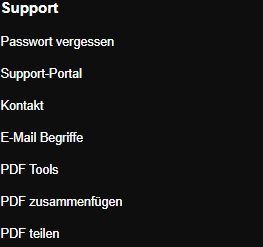
Scroll to the bottom of the SkyMail home page and click “PDF Tools” under “Support” in the footer. -
Select a valid PDF file up to 30 MB.
-
Check “Language”: “deu” stands for German and “eng” for English. The code must match an installed OCR language.
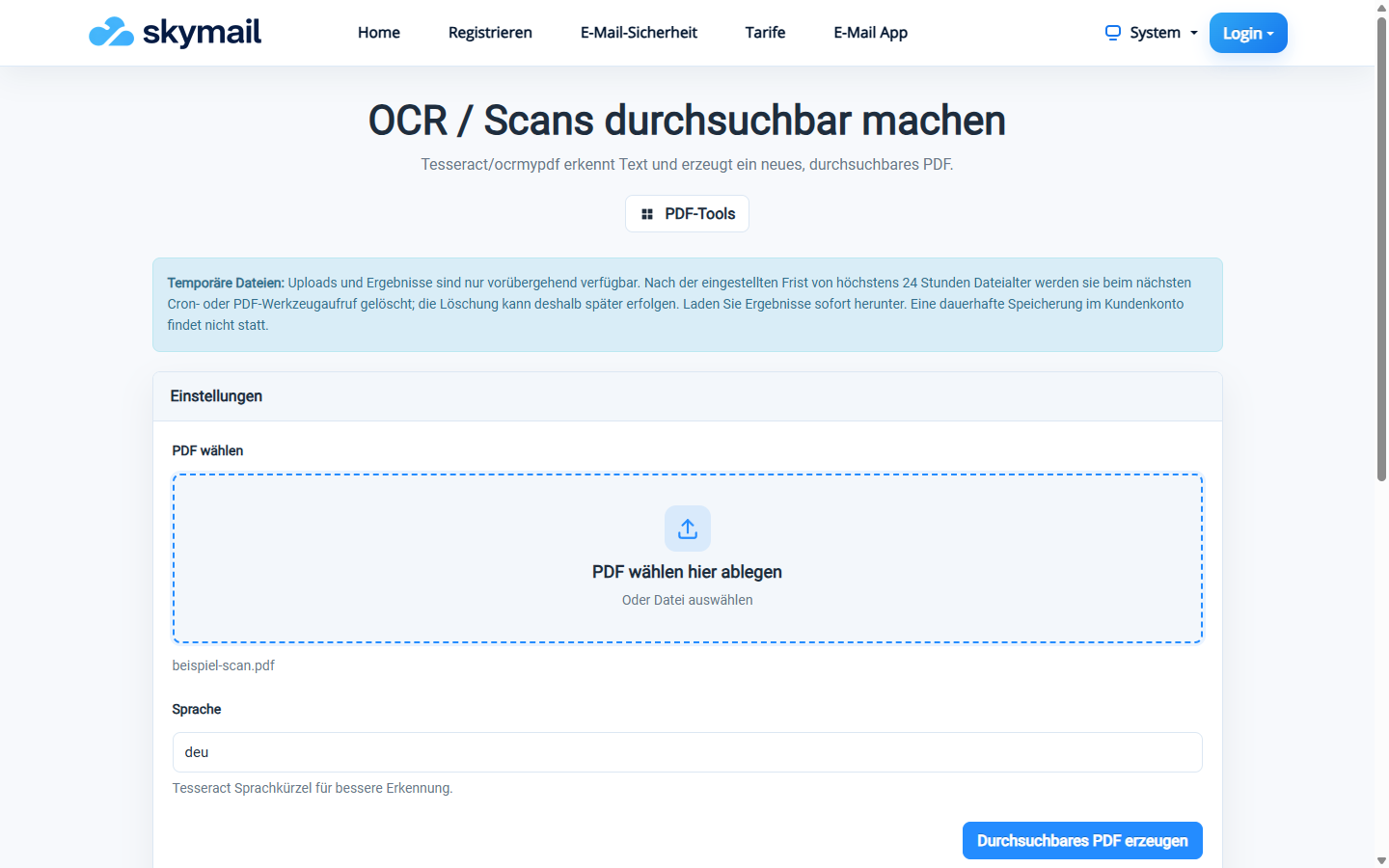
Select the scanned PDF and the appropriate language for text recognition. -
Click “Create searchable PDF”, download the file and test searching for a readable word.
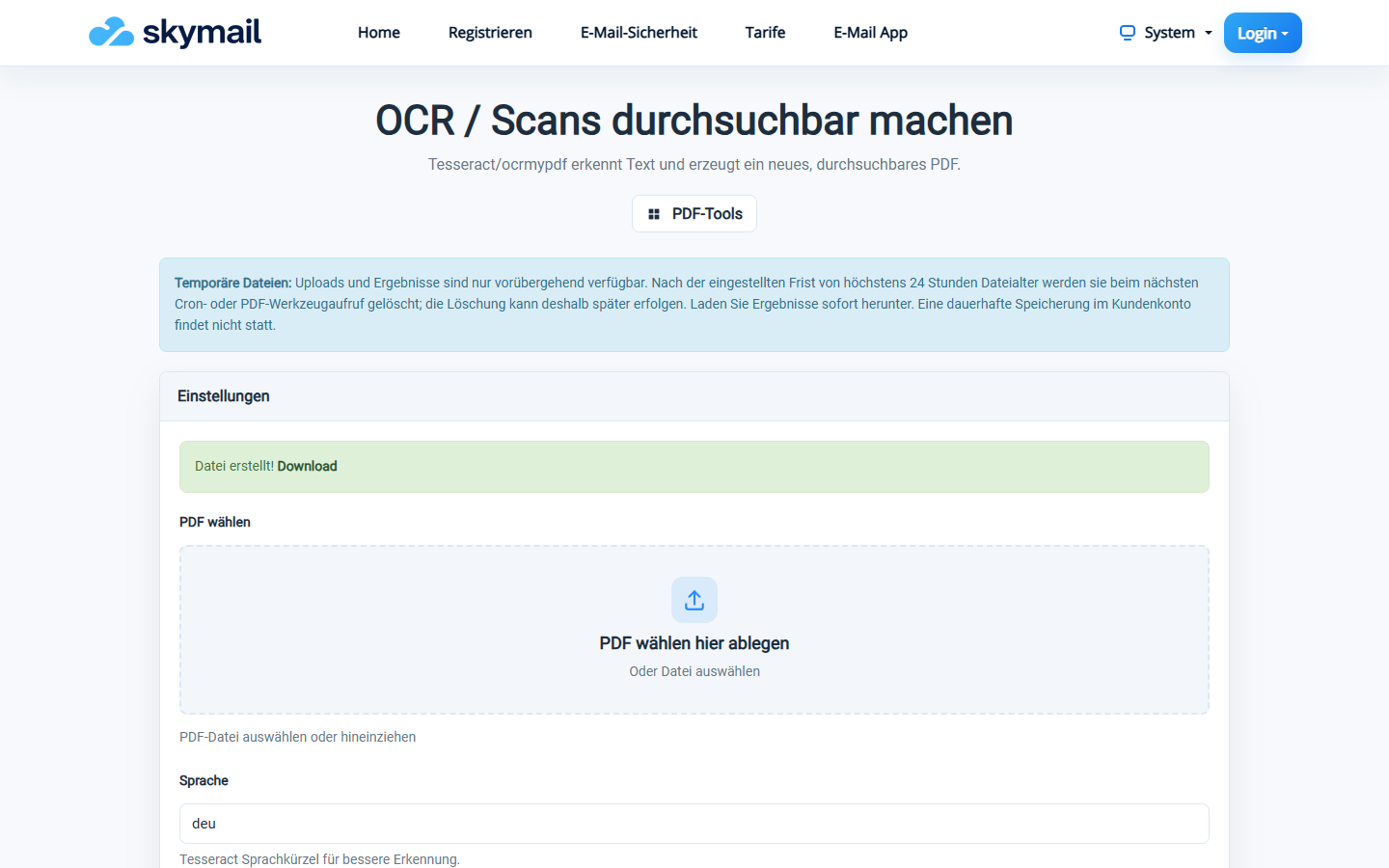
The searchable PDF has been created and can be downloaded.
What you will see afterwards
You receive a new PDF with a searchable text layer. Recognition quality depends on scan resolution, font and selected language; compare important content with the original.
Common problems
- A file larger than 30 MB or without valid PDF content is rejected.
- The tool reports an OCR error if OCR software or a language file is missing.
- An incorrect language reduces recognition quality; try the appropriate language code.