
Settings
Open the settings overview
Find the settings available for your account and their descriptions.
Requirement: After signing in; the modules shown may vary by account.
Step by step
-
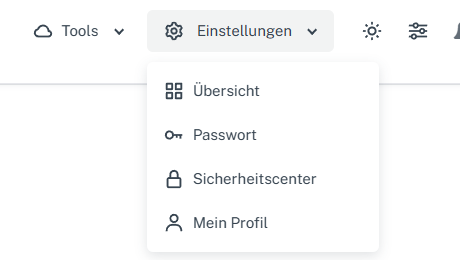
Click “Settings” at the top, then “Overview” in the menu that opens. Click “Settings” in the webmail header, then “Overview” in the menu that opens.
-
Look through the tiles showing the areas available for your account; the overview gives a short description of each area.
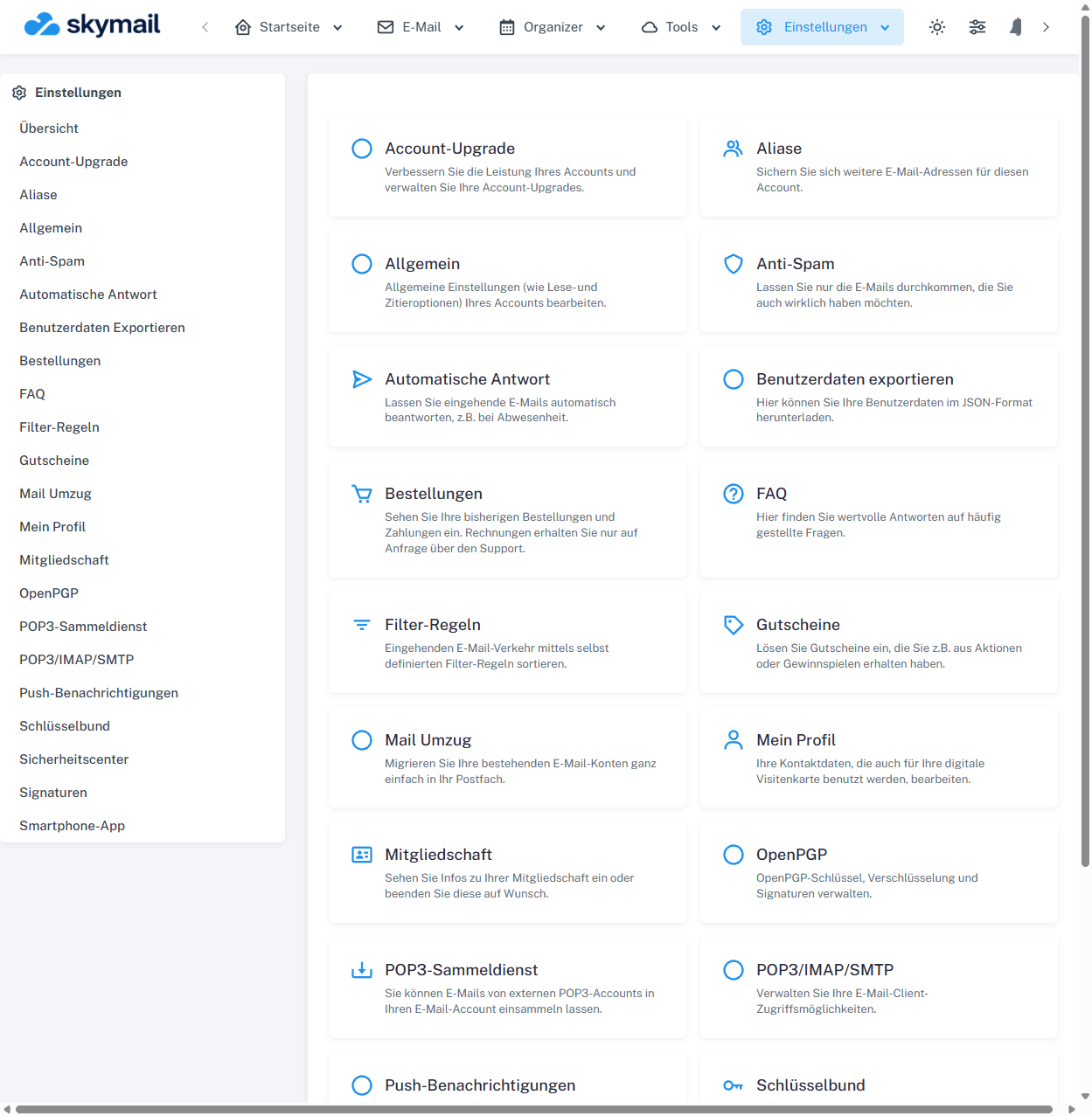
Under “Settings”, “Overview” shows the available settings areas.
What you will see afterwards
The available areas appear as tiles, and you can open the appropriate one. Viewing the overview does not change any account settings.
Common problems
- An area may be missing because of your account group or a feature that has not been enabled.
- To make a change, check the fields in the relevant area before saving.