
Webdisk and files
View a Webdisk file in the browser
Open a suitable file directly in your browser.
Requirement: After signing in, with an existing file; browser viewing depends on the file type.
Step by step
-
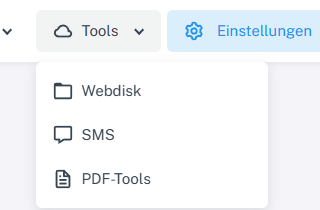
Click “Tools” at the top and choose “Webdisk” from the menu. Click “Tools” → “Webdisk” at the top, open the folder containing the file you want on the left, and select the file.
-
Choose “View” if the action is available for this file.
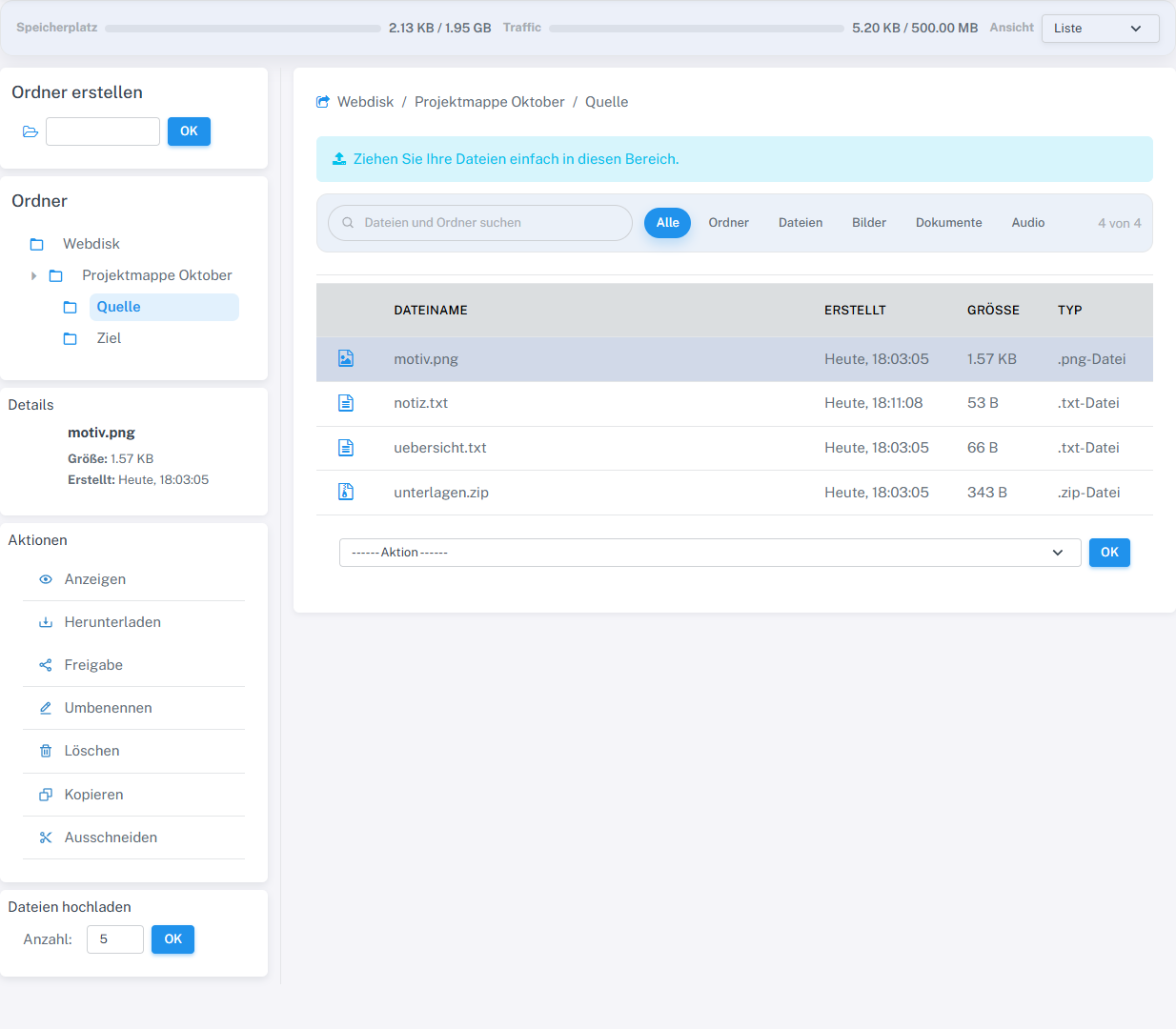
For a supported image file, Webdisk offers the View action. -
Check the content in the new browser tab, then close the tab.

The selected image file opens in its own browser tab.
What you will see afterwards
If successful, the browser displays the content of the supported file type without changing the Webdisk item.
Common problems
- “View” only appears for supported file types. For other types, use the separate download action.
- If the browser cannot display the file type, download the file and open it with a suitable program.