
Webdisk and files
Download a Webdisk file
Save a copy of one of your Webdisk files on your device.
Requirement: After signing in with Webdisk access and an existing file; bear in mind your account’s data transfer limit.
Step by step
-
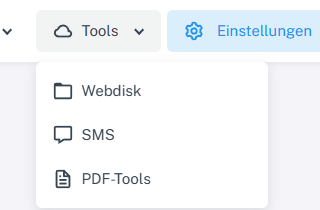
Click “Tools” at the top and choose “Webdisk” from the menu. Click “Tools” → “Webdisk” at the top, open the folder containing the file you want on the left, and select it.
-
Choose “Download” for the file.
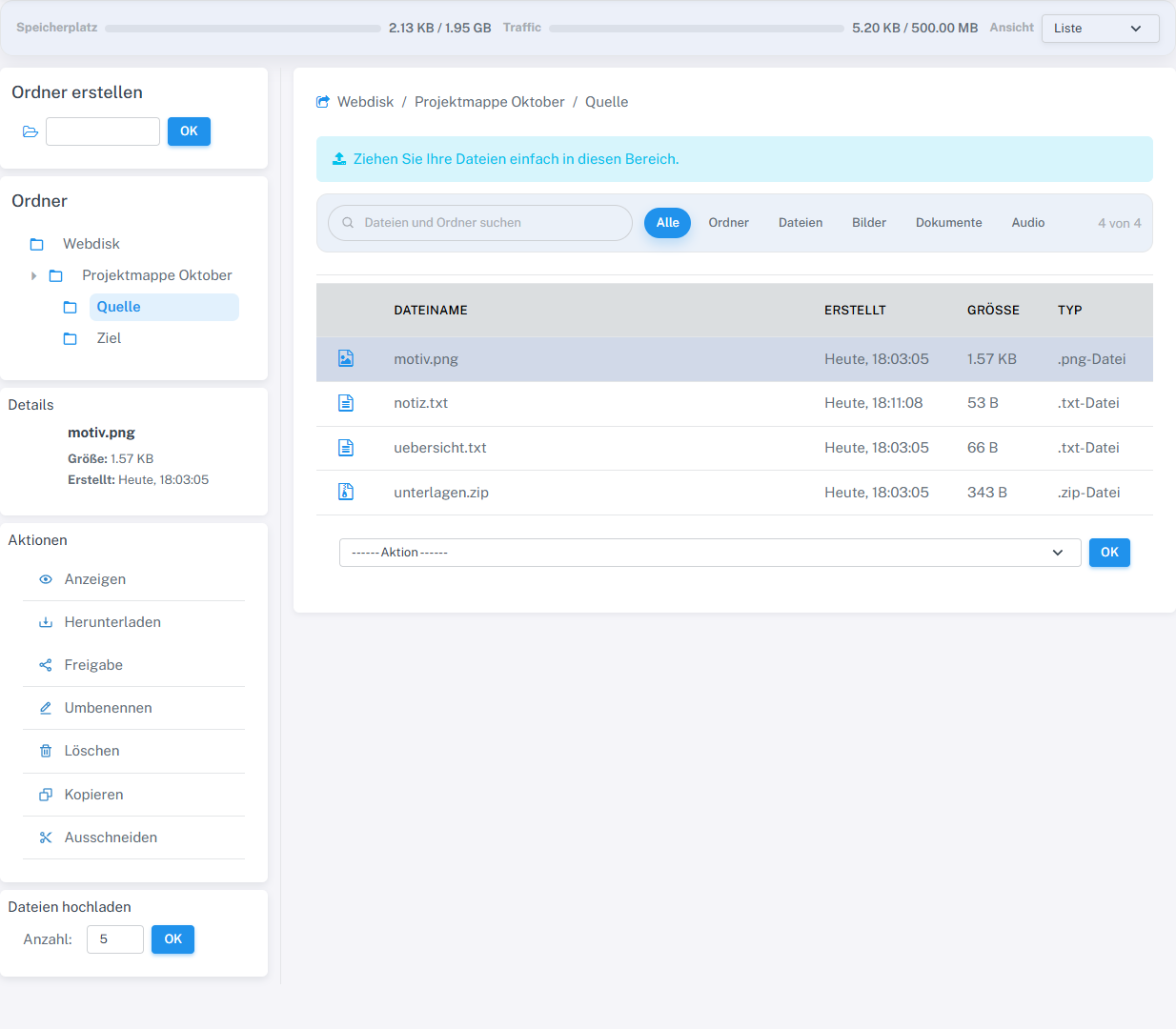
Download saved motiv.png. The file matched the original byte for byte. -
If prompted, save the file using the browser’s download dialog.
-
Check the name, size, and content of the downloaded copy.
What you will see afterwards
After downloading, a copy of the file is stored on your device. The item in Webdisk remains in place.
Common problems
- If the download does not start, check the browser’s download panel and any pop-up or download restrictions.
- If your account’s data transfer limit has been reached, the download may be refused.