
Sign-in and account access
Choose a language before signing in
Choose the home page language and understand which language appears after you sign in.
Requirement: The public skymail.de home page in a browser; no sign-in is required.
Step by step
-
Open the Skymail home page and select the language you want from the languages offered in the language menu.
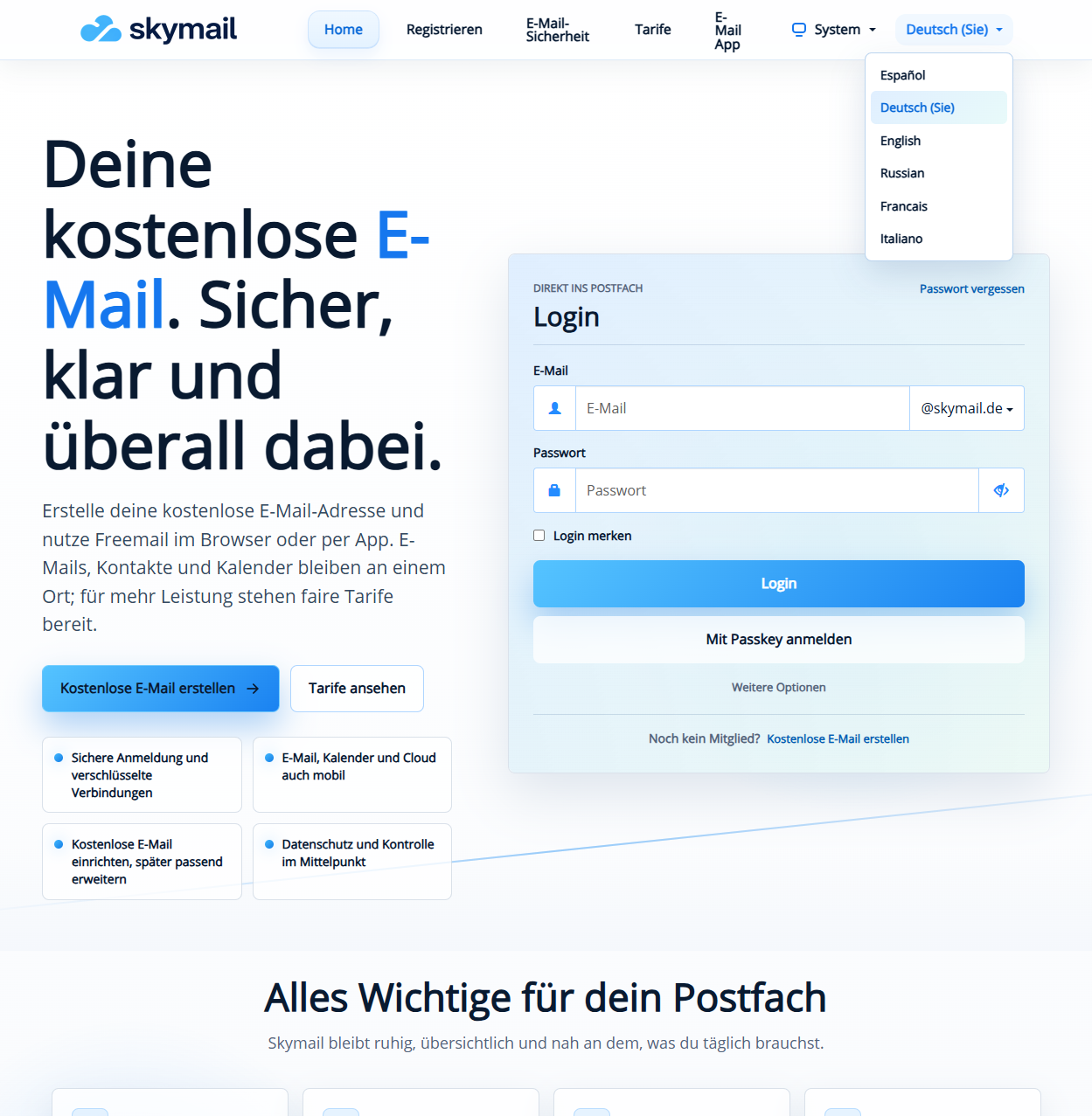
Select your preferred language from those offered on the home page. -
Check that the home page appears in your chosen language. Each language has its own address: German remains at skymail.de, while English, French, Italian, Spanish and Russian use /en/, /fr/, /it/, /es/ and /ru/. The page language follows the address you open.
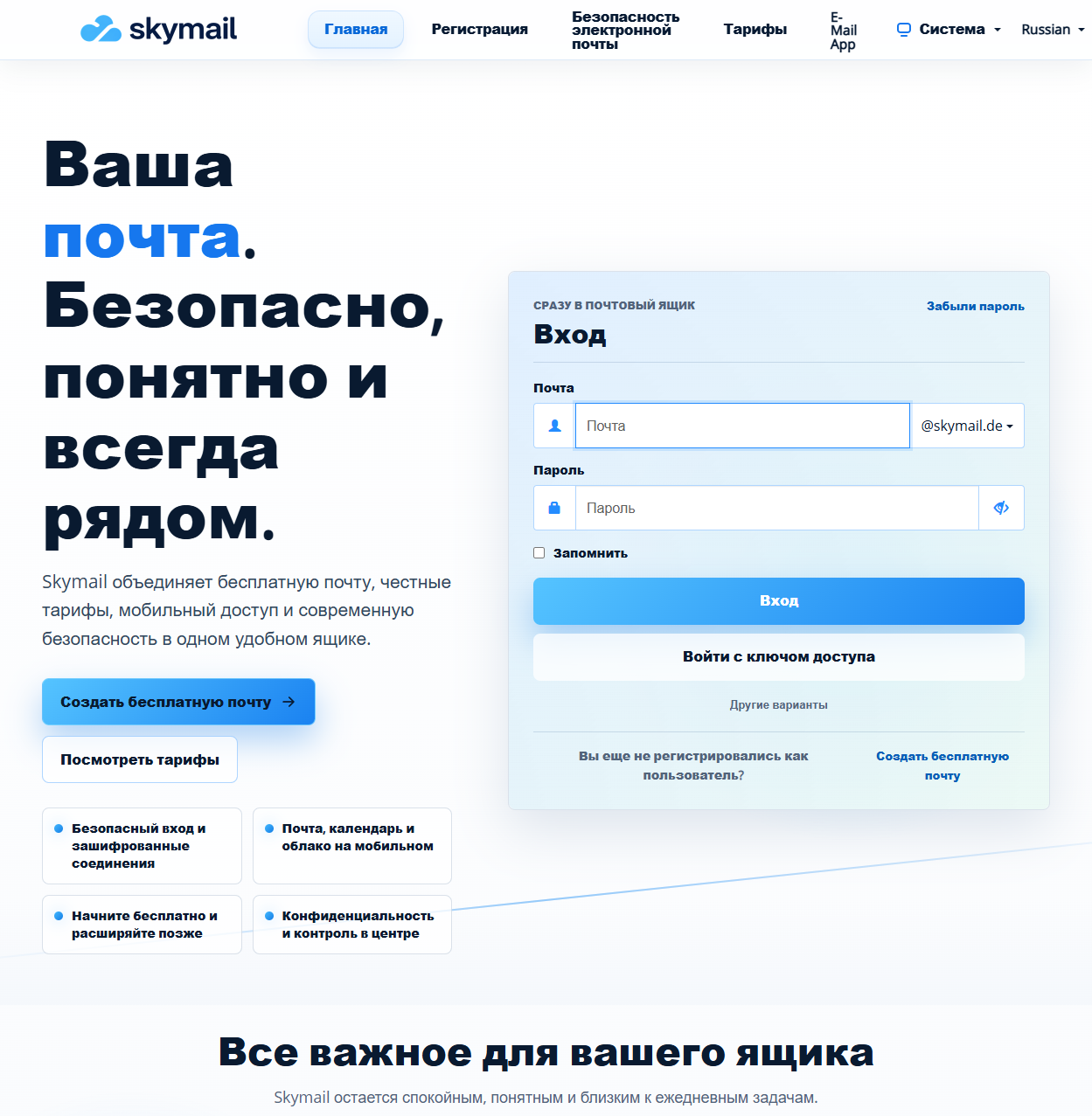
After you select Russian, the home page appears in Russian; the sign-in form remains publicly accessible. -
Sign in and check the language in webmail. With “Automatic”, the home page language selected in this browser is intended to apply; a language explicitly saved in your account takes priority. If a different language appears, open the language menu in webmail.
What you will see afterwards
The home page appears in the selected language at its corresponding address. After you sign in, the language abbreviation in webmail shows the effective account language; if it differs, you can check and change your account language there.
Common problems
- The language of a public page is determined by its address, including on another device or after cookies have been deleted. Your mailbox’s automatic language setting is separate from this.
- You can choose only the languages offered in the menu. German and English versions are available for legal documents.