
Settings
Change the language in webmail
Select a fixed account language or “Automatic” in webmail and check the display after reloading.
Requirement: Signed-in webmail in a desktop browser or the responsive web view; this does not cover the separate native app or the older mobile interface.
Step by step
-
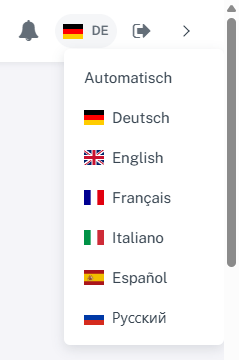
Click the flag and language abbreviation at the top right; the language selection opens below. In signed-in webmail, click the language abbreviation beside the small flag at the top right, for example “DE”. The menu shows “Automatic” and the available languages.
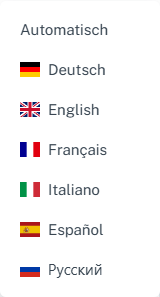
The language menu offers Automatic, German, English, French, Italian, Spanish, and Russian. -
Select German, Russian, or another available language to use it as the fixed language for your account. The quick menu saves the account setting and reloads the view.
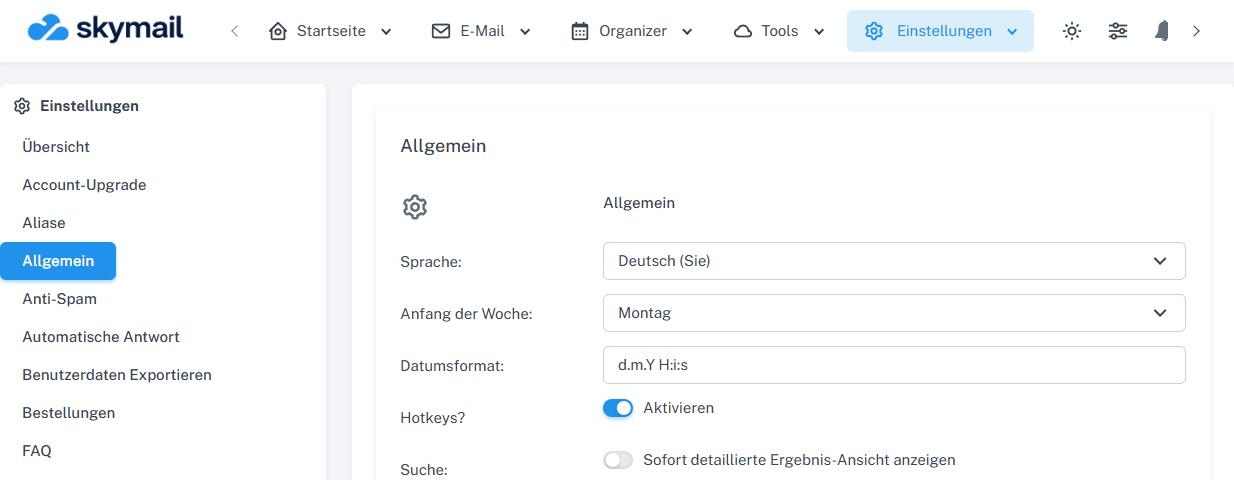
German was saved as the fixed account language in the quick menu and displayed after reloading. -
Select “Automatic” if you want to use the language selected on the public homepage in this browser at the same Skymail address. If you have not selected a language there, the browser or default language determines the choice.
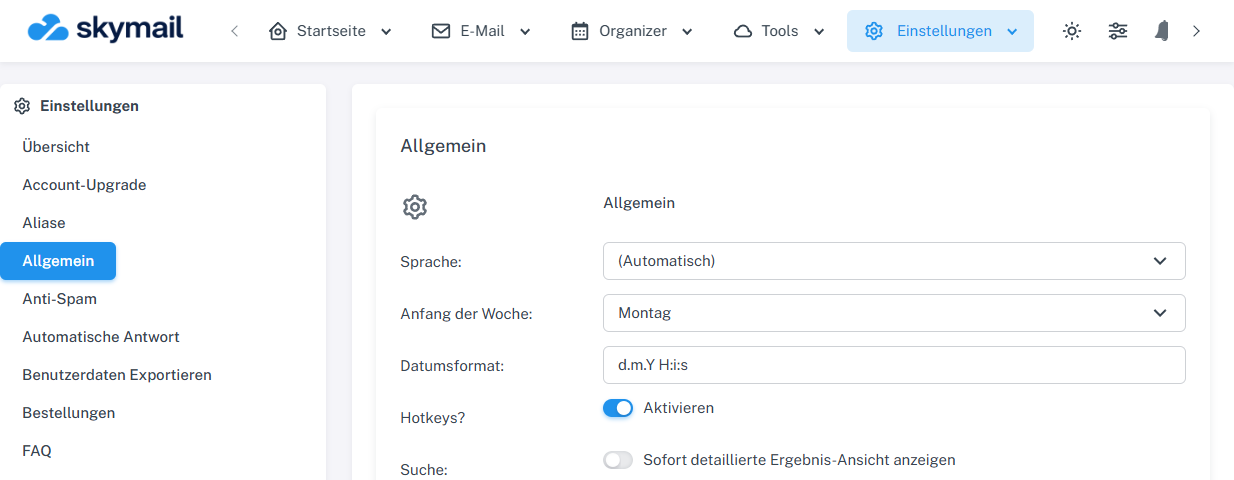
Automatic was saved; German was the language in effect in this session. -
After reloading, check the interface language and the language abbreviation in the menu. The abbreviation shows the language currently in effect, even when “Automatic” remains saved in your account.
What you will see afterwards
After reloading, you see your selected fixed account language. With “Automatic”, the abbreviation shows the language currently in effect in this browser. If it does not match your preferred homepage selection, select the language there again or set it explicitly in webmail.
Common problems
- The public language selection is not transferred to other devices or browsers; a fixed account language is stored in your account.
- The quick menu is not the same interface as the separate native app or the older mobile web view.
- Missing Russian translations in signed-in webmail may temporarily appear in English.