
Webdisk and files
Copy a Webdisk file to another folder
Place a copy of one of your items in a destination folder.
Requirement: After signing in with Webdisk access and enough storage space for a copy.
Step by step
-
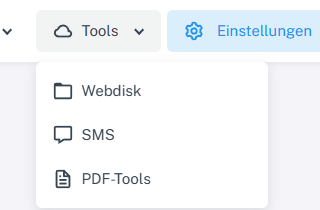
Click “Tools” at the top and choose “Webdisk” from the menu. Click “Tools” → “Webdisk” at the top, open the source folder on the left, and select your file.
-
Choose “Copy” from the actions.
-
Use the folder tree to switch to the destination folder, then choose “Paste” there.
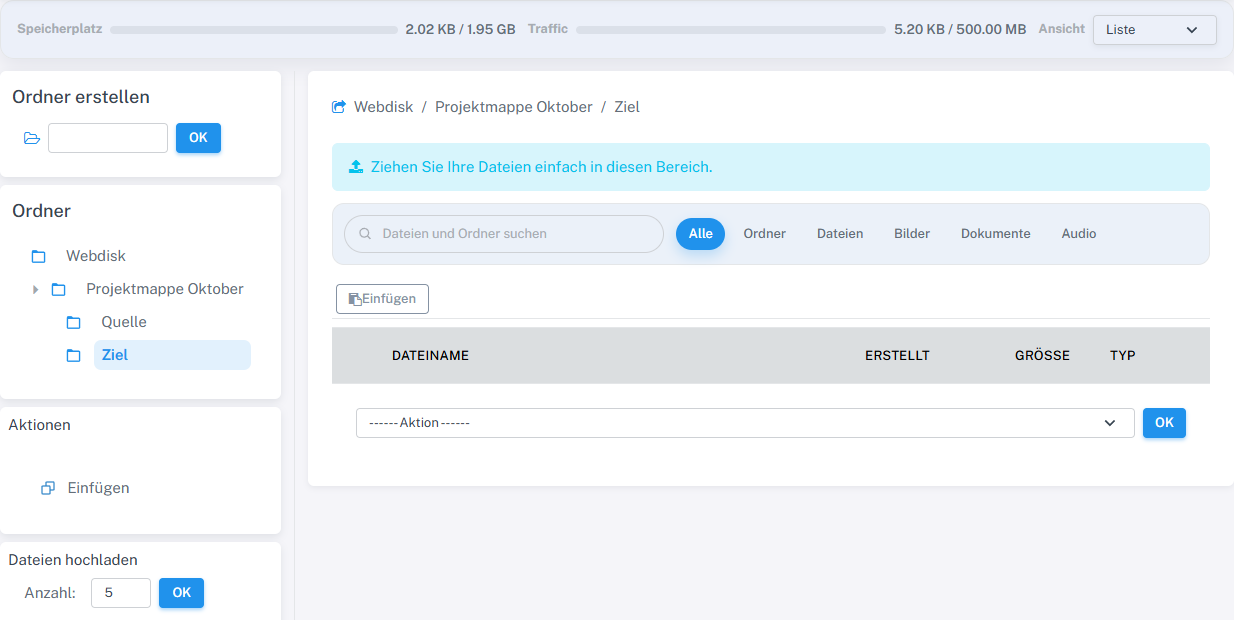
After copying, Paste is available in the destination folder. -
Check that the file appears in the destination folder and is still in the source folder.
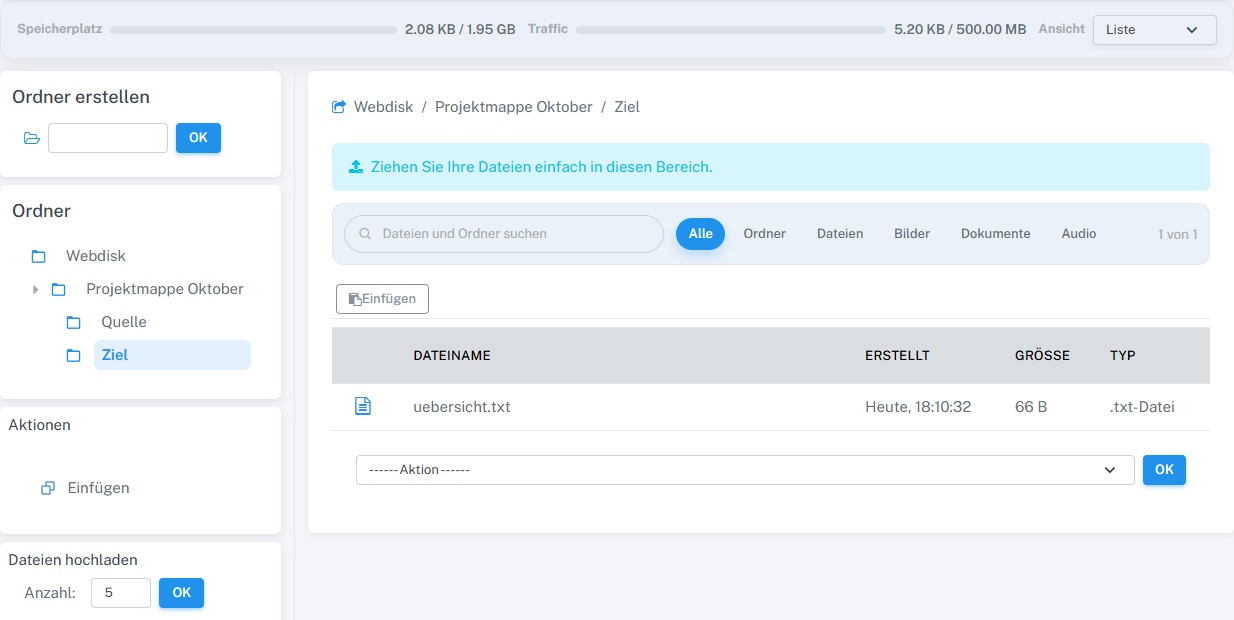
The file uebersicht.txt appeared additionally in the destination folder. The original remained in Quelle.
What you will see afterwards
If successful, there is an additional copy in the destination folder. The source file remains in place.
Common problems
- An existing item with the same name or insufficient storage space may prevent copying.
- Check the destination folder in the path bar before choosing “Paste”.