
Webdisk and files
Rename a Webdisk file
Change the name of one of your Webdisk files.
Requirement: After signing in; the file must belong to your own Webdisk storage.
Step by step
-
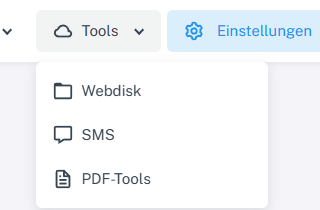
Click “Tools” at the top and choose “Webdisk” from the menu. Click “Tools” → “Webdisk” at the top, open the folder containing the file on the left, and select the file.
-
Choose “Rename” from the actions. The current name appears in an editable field.
-
Replace the name and press Enter or leave the field to confirm.
-
Check the new name in the file list, including after switching folders.
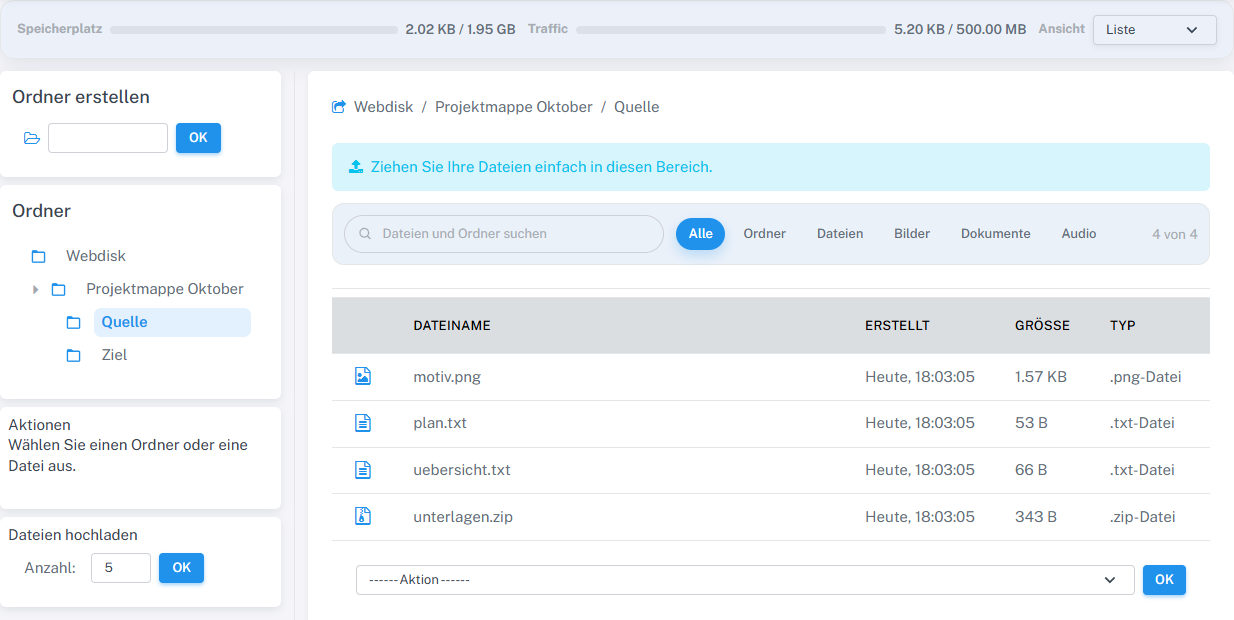
The new file name plan.txt remained visible after switching folders.
What you will see afterwards
If the name is valid and not already in use, Webdisk shows the item with its new name.
Common problems
- An empty name or a name already used in the destination folder will not be accepted.
- When renaming a file, keep the appropriate file extension so that the file can still be recognized.