
PDF tools
Export PDF pages as PNG or JPG
Render every PDF page as a complete image.
Requirement: Publicly accessible without signing in at /en/pdf-tools and the respective tool page
Open the relevant PDF tool
Step by step
-
On the skymail.de home page, scroll to the footer. Under “Support”, click “PDF Tools” (see screenshot). In the PDF overview, select “Pages as images”.
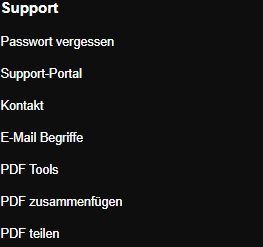
Scroll to the bottom of the SkyMail home page and click “PDF Tools” under “Support” in the footer. -
Select a valid PDF file up to 25 MB.
-
Under “Target format”, select PNG or JPG, then click “Export pages”.
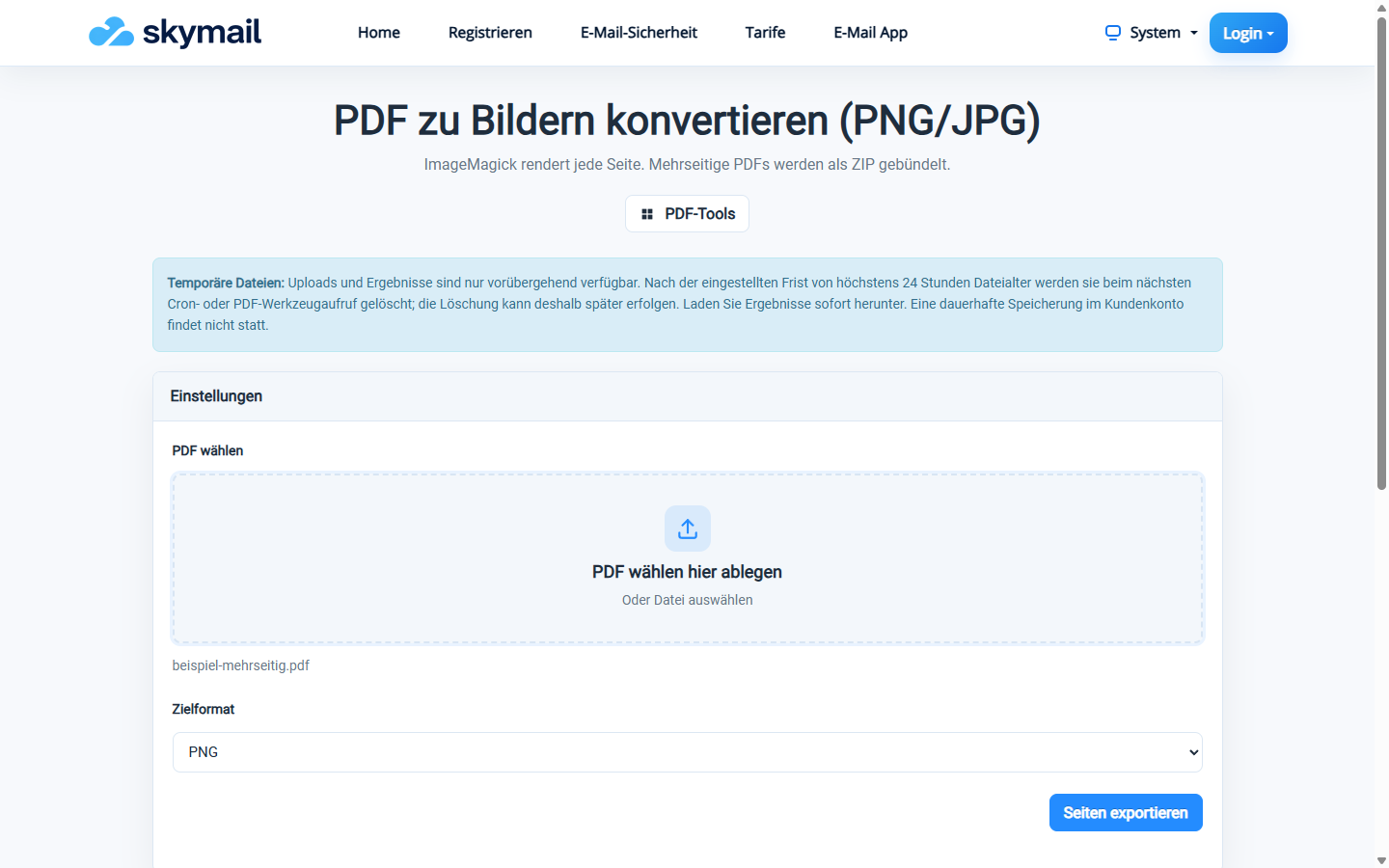
Select PNG as the target format for the complete PDF pages. -
Download the image or, for multiple pages, the ZIP file, and check resolution and page count.
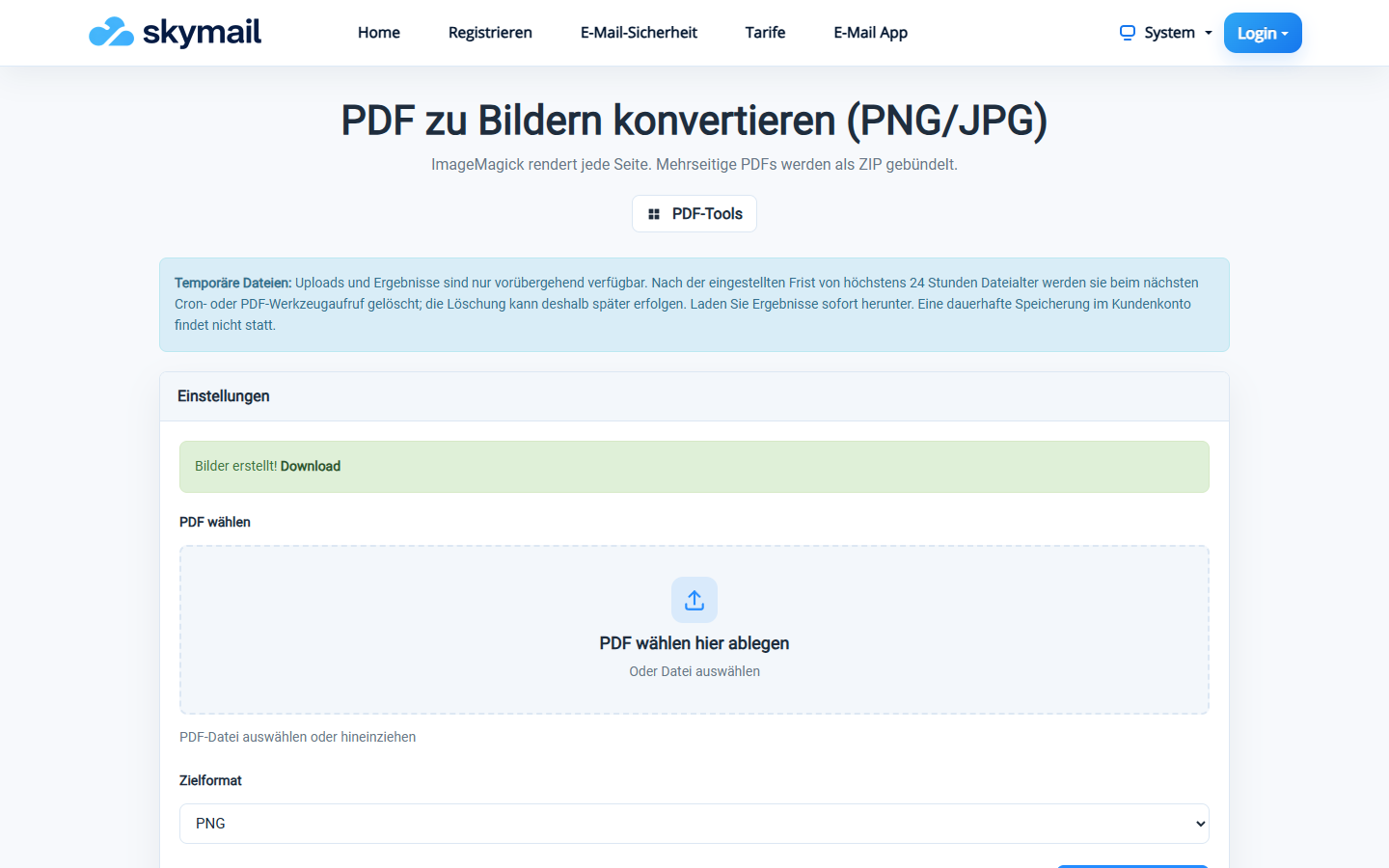
Three rendered PNG pages are provided in a ZIP file.
What you will see afterwards
Each complete PDF page is output as an image at 150 dpi. Multiple page images are provided in a ZIP archive. For images merely embedded in the PDF, use the separate “Export images” tool.
Common problems
- For multiple pages, a ZIP archive must be created; an error appears if this fails.
- An invalid PDF or one larger than 25 MB is rejected.
- For embedded images without the page layout, use “Export images”.