
More tools
Open a contact card in chat
Display contact information from the header of a conversation.
Requirement: A signed-in account with an open contact chat.
Step by step
-
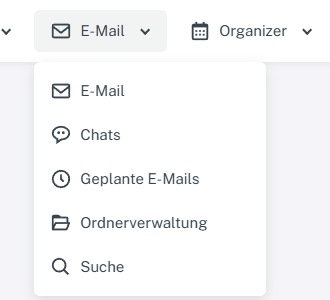
Click “Email” at the top; open “Chats” or “Folder management” in the menu. Click “Email” → “Chats” at the top and select a contact chat on the left.
-
Select the avatar in the conversation header.
-
Check the “Name” and “Email” fields in the open contact card. Clicking the avatar again closes it.
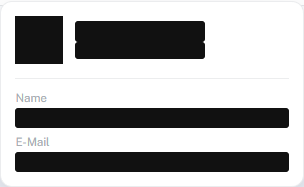
Clicking the avatar opens the contact card in the chat header.
What you will see afterwards
The contact card opens and closes in the chat header. It shows the contact's name and email address.
Common problems
- Check contact addresses in protected webmail before sending a message to the contact.