
More tools
Find a contact for a chat
Find and select an address book contact in the start chat dialog.
Requirement: A signed-in account with chat enabled and a suitable address book contact.
Step by step
-
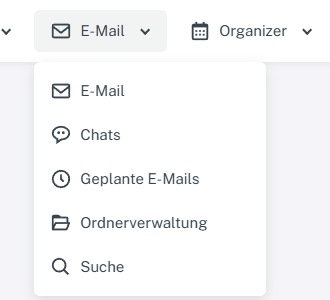
Click “Email” at the top; open “Chats” or “Folder management” in the menu. Click “Email” in the header and select “Chats”. In the chat overview, click the plus sign beside search to “Start chat”.
-
Leave the “Contacts” tab selected and enter a search term in “Find contact”.
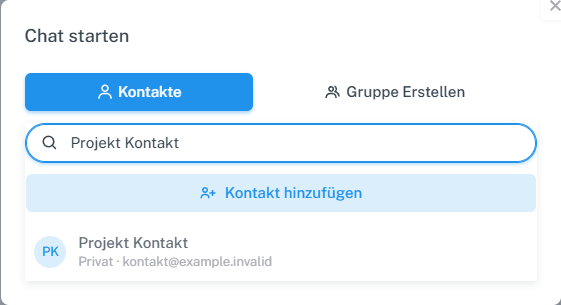
After clicking the plus sign beside chat search, find and select your own contact in the “Contacts” tab. -
Check the result and select the contact you want.
What you will see afterwards
A matching address book contact appears as a result and can be selected as a chat partner.
Common problems
- If the search remains empty, first check whether the contact exists in your address book.
- The “Create group” tab starts a different process.
Go to the relevant section of the “Getting started with Skymail” guide