
Edit Word, Excel, and text files directly in Webdisk
Edit documents and spreadsheets in your browser, create new files, and write plain text on your phone too.
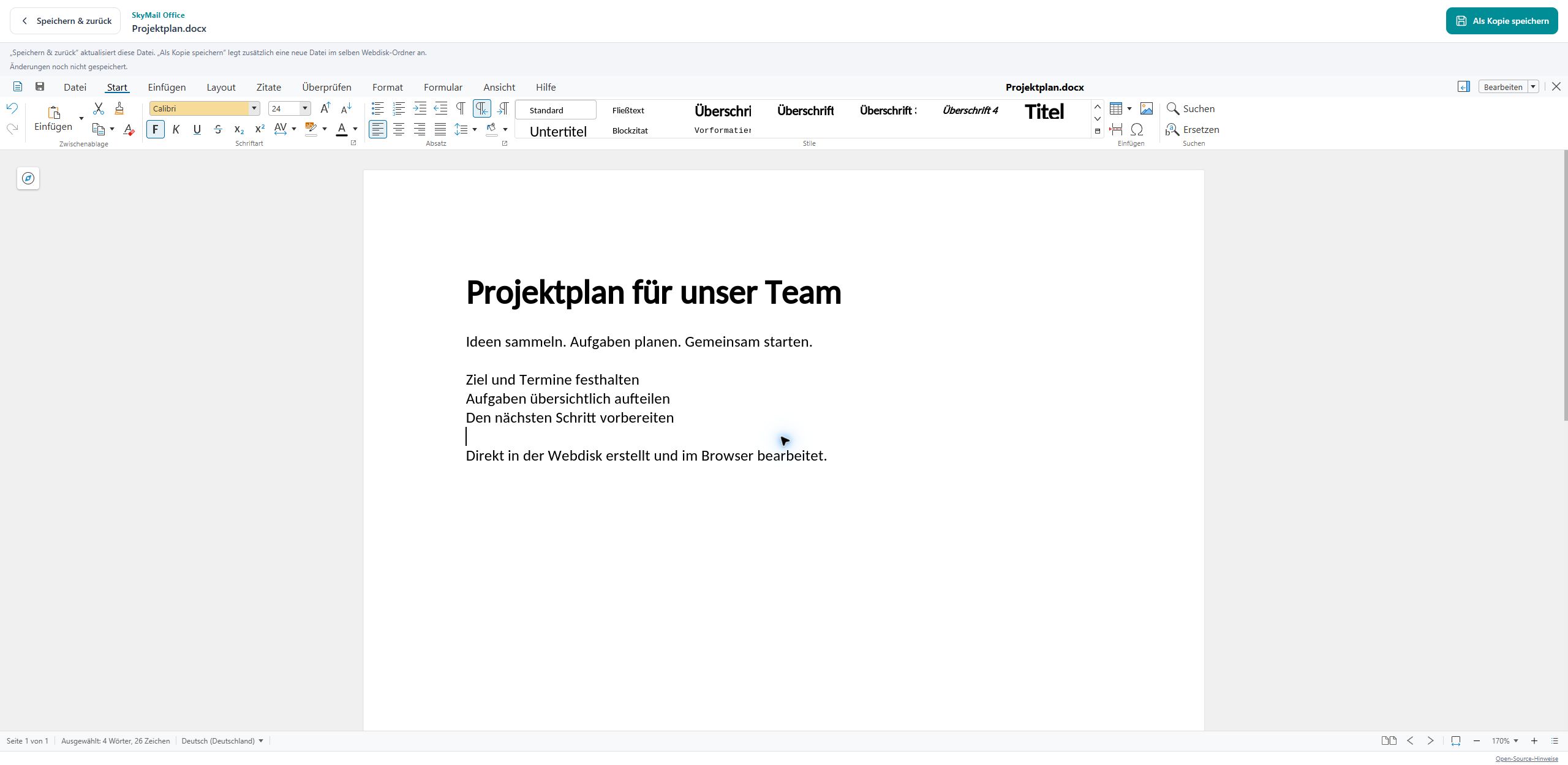
From online storage straight into your document
You can now edit Word documents and Excel spreadsheets directly from your Webdisk in the browser. DOC, DOCX, XLS, XLSX, ODT, and ODS are supported.
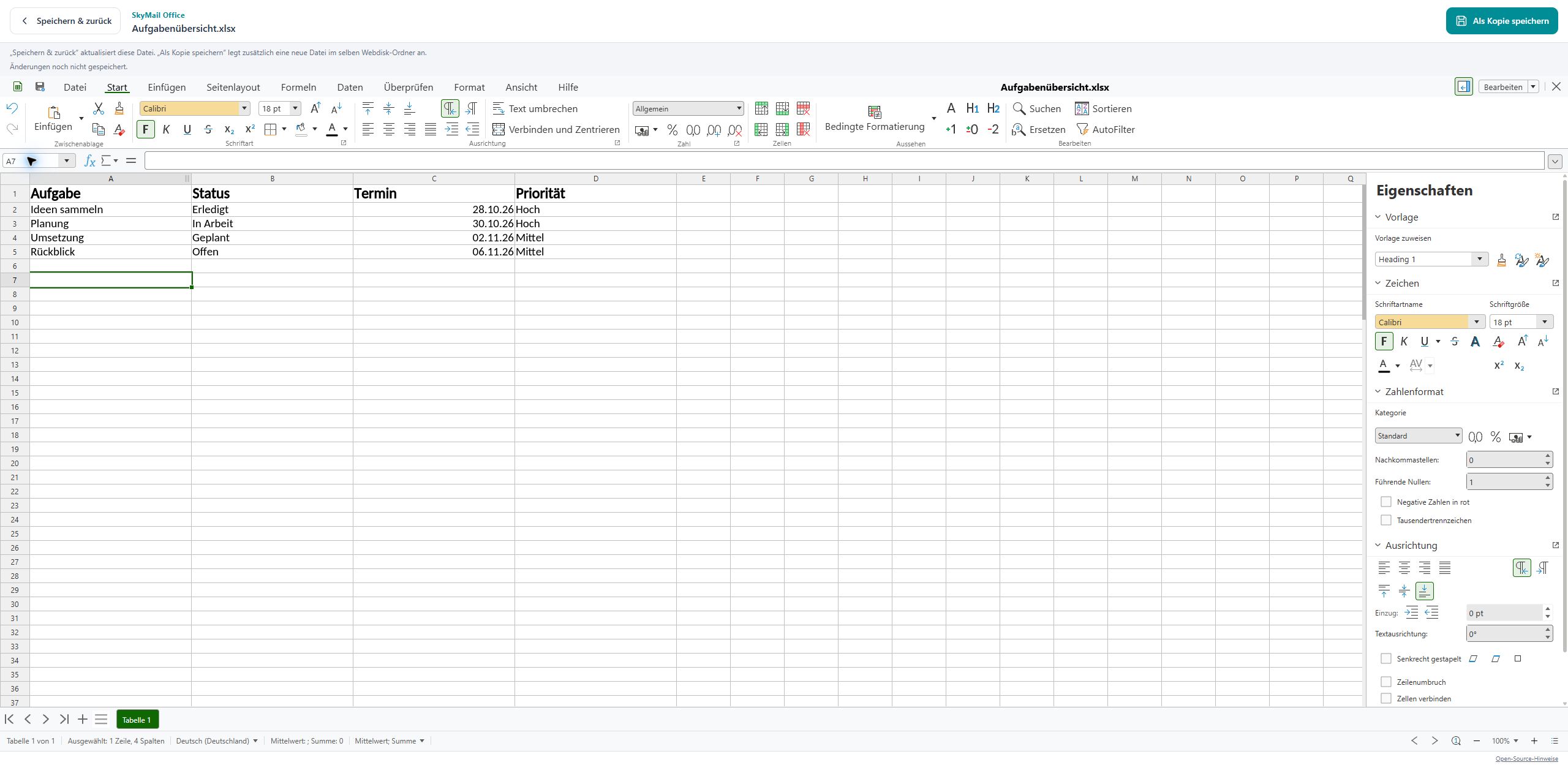
Spreadsheets stay within easy reach too
Open your spreadsheet, change cells, and save the edits back to your Webdisk. Office files are limited to 20 MiB.
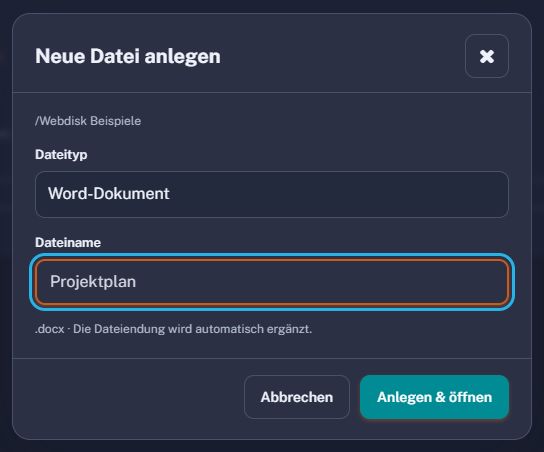
Create new files exactly where you need them
Use “New file” to create Word documents (DOCX), Excel spreadsheets (XLSX), OpenDocument files (ODT and ODS), or plain text files (TXT) directly in the open folder. Choose a file type, enter a name, and get started.
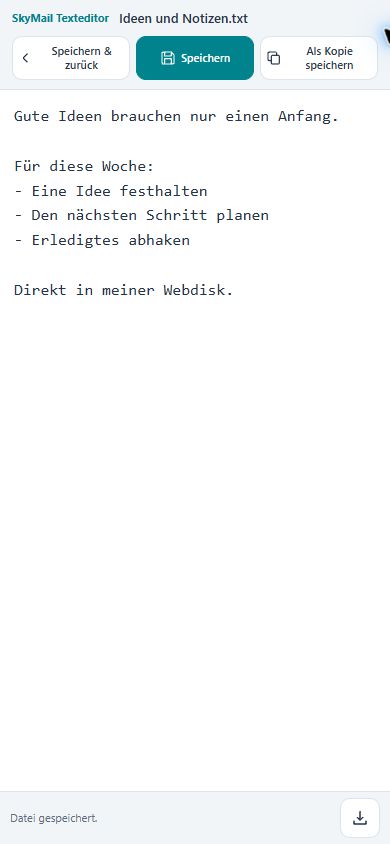
A built-in text editor for quick writing
TXT files open in SkyMail’s own text editor. You can write, save, and download the current text, including on your phone. UTF-8 text files up to 2 MiB are supported.
Saving and copying each have a clear purpose
“Save & return” updates the open file. “Save as copy” deliberately creates an additional item. If the original is meanwhile changed elsewhere, SkyMail prevents it from being overwritten unnoticed.