
PDF tools
Compress a PDF
Recreate a PDF file, then check its size and readability.
Requirement: Publicly accessible without signing in at /en/pdf-tools and the respective tool page
Open the relevant PDF tool
Step by step
-
On the skymail.de home page, scroll to the footer. Under “Support”, click “PDF Tools” (see screenshot). In the PDF overview, select “Compress PDFs”.
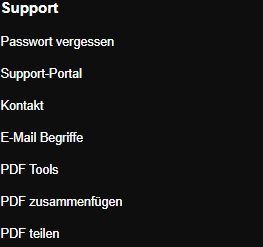
Scroll to the bottom of the SkyMail home page and click “PDF Tools” under “Support” in the footer. -
Under “Upload file”, select a valid PDF file no larger than 20 MB.
-
Click “Compress” and download the result file.
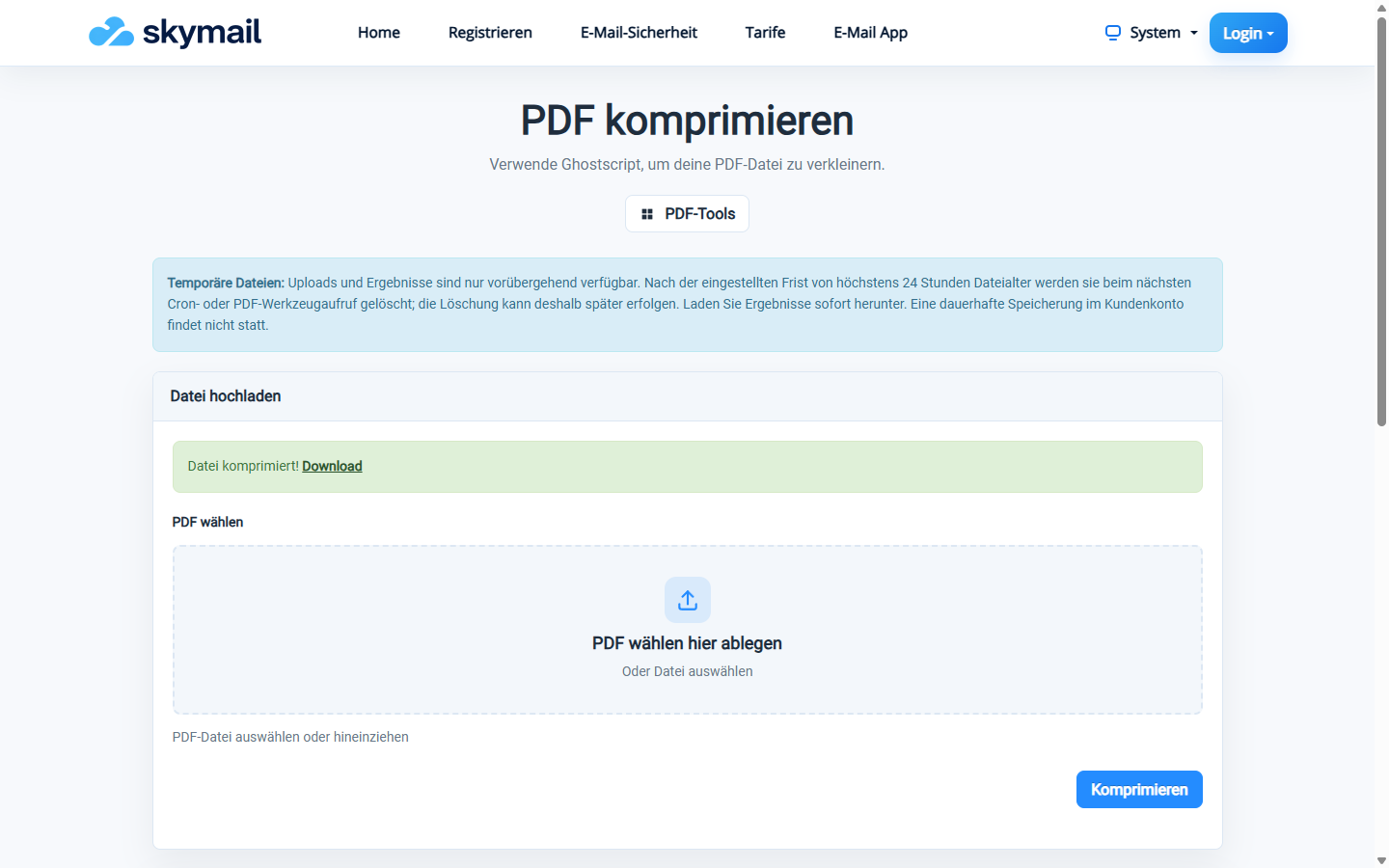
The tool offers the newly generated PDF to download. -
Compare the file size and check text, images and page layout before replacing the original file.
What you will see afterwards
You receive a recreated PDF file. How much smaller it becomes depends on the source document; a reduction is not guaranteed. Check text and image readability before replacing the original.
Common problems
- The page accepts only a valid PDF file up to 20 MB.
- If a compression error appears, no usable result file was created.
- If the result is unreadable or not smaller, keep the original.