
Security and encryption
Import a recipient's public OpenPGP key
Verify a contact's public key and add it to your personal keyring.
Requirement: After signing in, if the personal public keyring is enabled for your user group
Step by step
-
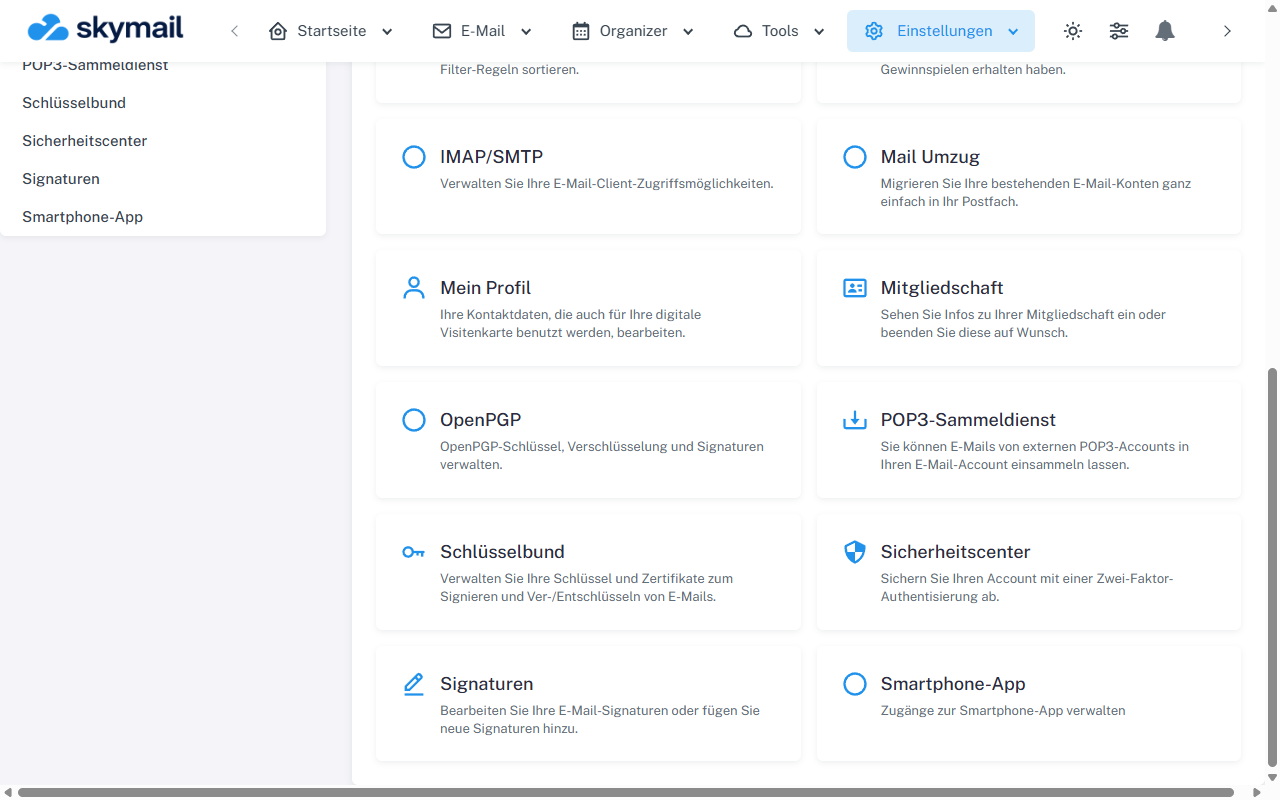
Open Settings at the top and select OpenPGP in the overview. Ask the recipient for their public OpenPGP key and its fingerprint. Compare the fingerprint through an independent channel. Then click “Settings” at the top and “OpenPGP” in the overview.
-
On the OpenPGP page, select the “Public keys” tab.
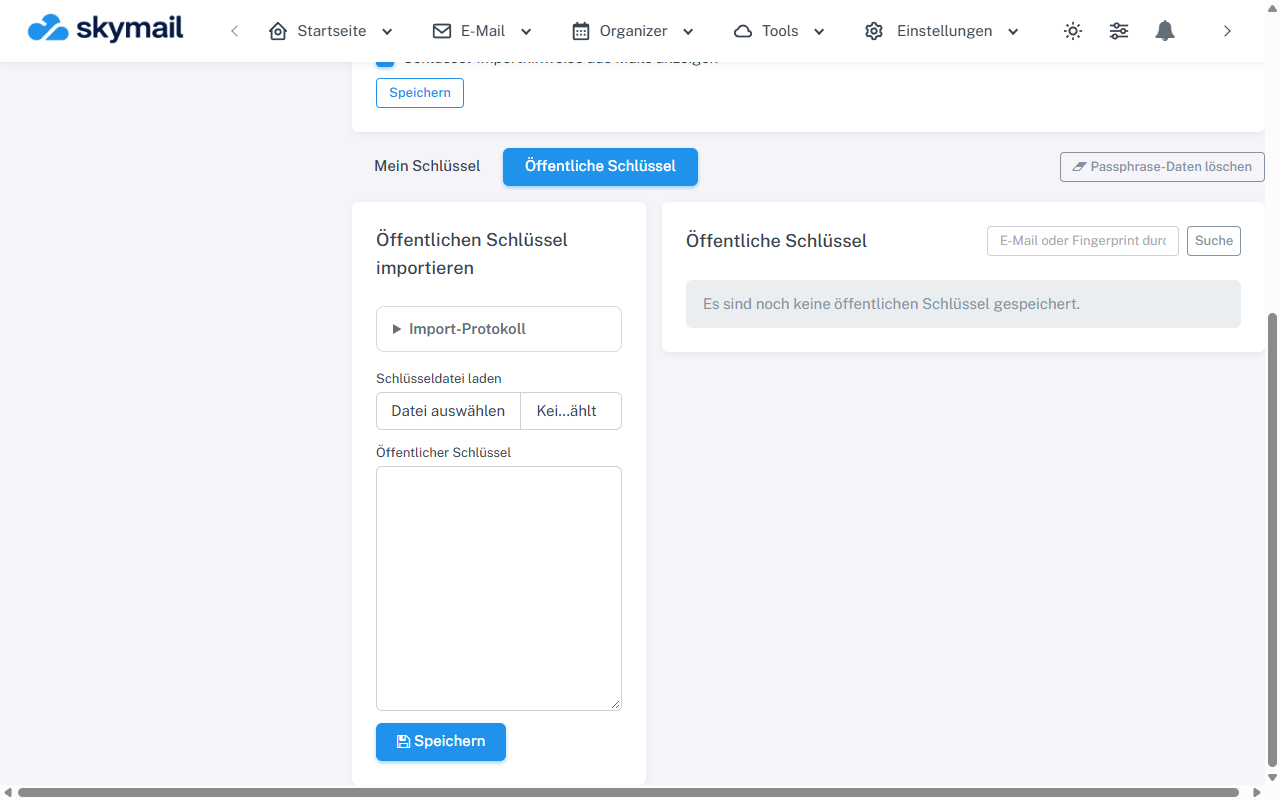
Open Public keys; you can import or search there. -
Select the key file (.asc, .pgp, or .txt) or paste the ASCII block into the “Public key” field. Do not use a private key from another account.
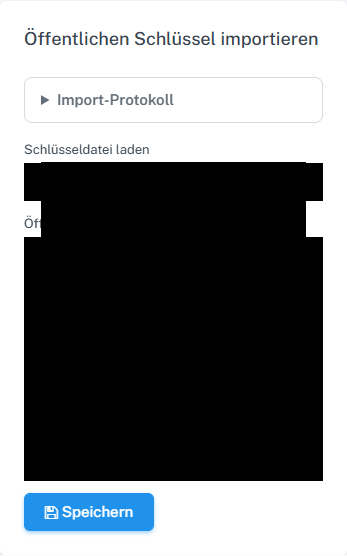
Select a public key file and save it. -
Select “Save” and check the entry's email address, fingerprint, expiry date, and trust status in the list.
What you will see afterwards
The public key is saved in your personal keyring. Whether it is accepted for encrypted sending also depends on its validity, identity association, and group policy.
Common problems
- An invalid, oversized, expired, or revoked key may be rejected.
- If the email address in the key does not match the recipient, clarify the discrepancy before encrypting.
- Importing alone does not replace an independent fingerprint comparison.
- A manually imported key may already appear as “Manually confirmed”. This status does not replace an independent fingerprint comparison.
Go to the relevant section of the “Getting started with Skymail” guide