
Read and write emails
Mark emails as read or unread
Change the read status of selected messages.
Requirement: A signed-in account with an editable message in the open folder.
Step by step
-
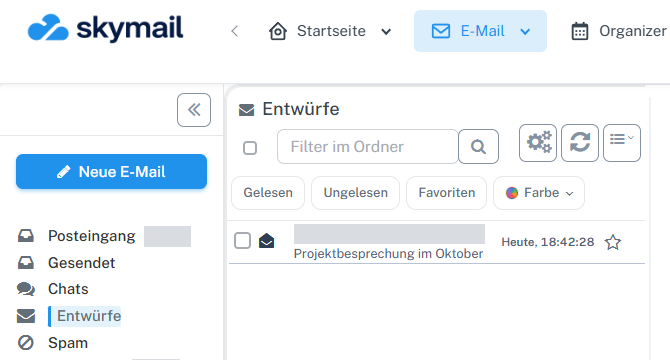
Click “Email” at the top and “Inbox” or the desired folder on the left. Click “Email” in the webmail header and “Inbox” or the folder containing the message on the left. Tick its checkbox in the message list.
-
Select the envelope icon in the selection bar to switch between “read” and “unread”.
-
Check the result in the row: unread messages have a closed blue envelope and a bold subject.
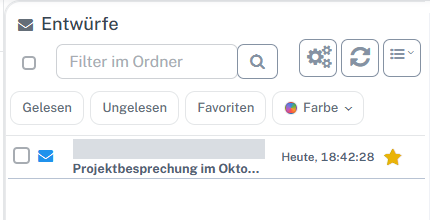
A blue envelope and bold subject identify the unread draft. -
To change the read status again, select the message and use the envelope icon once more.
What you will see afterwards
The envelope icon and the appearance of the message row indicate the current read status.
Common problems
- If the action is not offered, check whether the folder is read-only.
- An active “Read” or “Unread” filter may hide the changed message afterward.
Go to the relevant section of the “Getting started with Skymail” guide