
Help and contact
Open help through the previous FAQ address
The previous “/Hilfe” address leads to the public support portal.
Requirement: Available publicly without signing in at “/Hilfe” or “/en/help/”.
Step by step
-
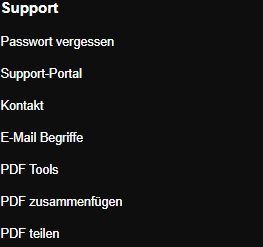
Scroll to the bottom of skymail.de and click “Support portal” under “Support”. Open skymail.de, scroll to the footer, and click “Support portal” under “Support”.
-
If you open the previous help address “/Hilfe” instead, it also redirects to the public help at “/en/help/”. You do not need to sign in to read it.
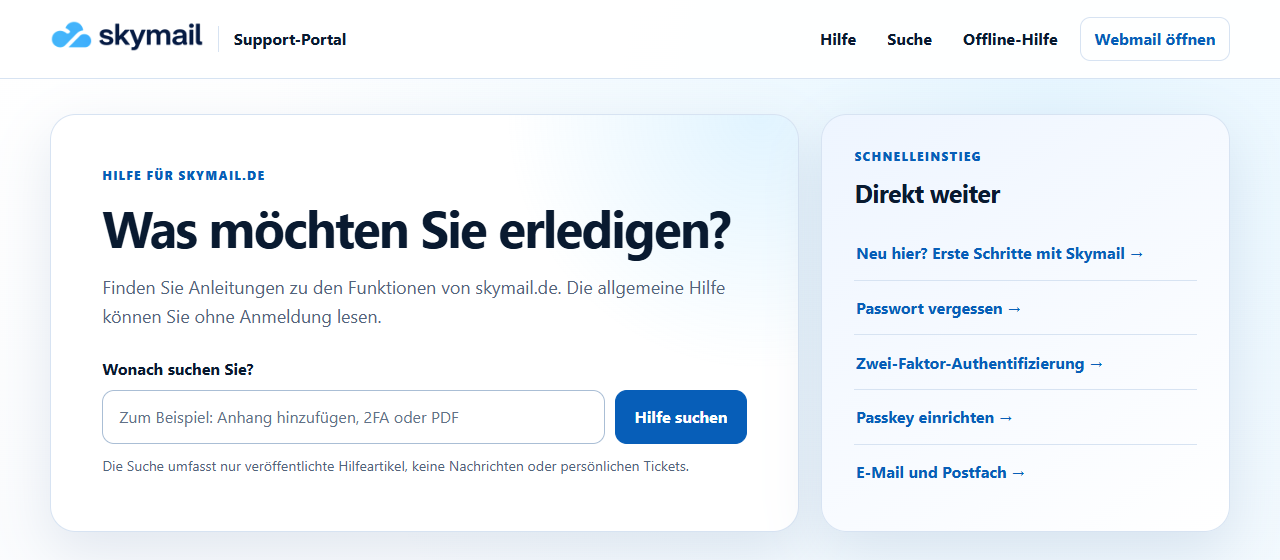
“/Hilfe” opens the support portal with public search. -
Enter a term in the search field or select a topic under “Help by area”.
-
Open the relevant help article. Search shows published guides, not personal messages or tickets.
What you will see afterwards
The public help homepage is displayed, with search and topic areas.
Common problems
- If an old link no longer leads directly to a former FAQ answer, search for the topic in the support portal.
- For personal Premium tickets, sign in to webmail and open personal support there.
Go to the relevant section of the “Getting started with Skymail” guide