
Read and write emails
Preview an email before sending
Check recipients, subject, options, and content in the preview.
Requirement: You must be signed in with a message prepared in the compose form.
Step by step
-
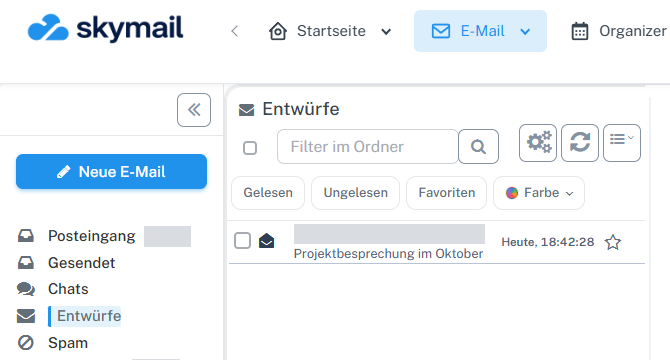
Click “Email” at the top and “New email” with the pen icon on the left. Click “Email” in the header and “New email” with the pen icon on the left. Fill in the recipients, subject, and message text in the compose form.
-
Scroll down in the compose form and select “Preview” beside “Save & return”.
-
Check “From”, “To”, CC/BCC and “Reply to” where applicable, the subject, priority, and message text.
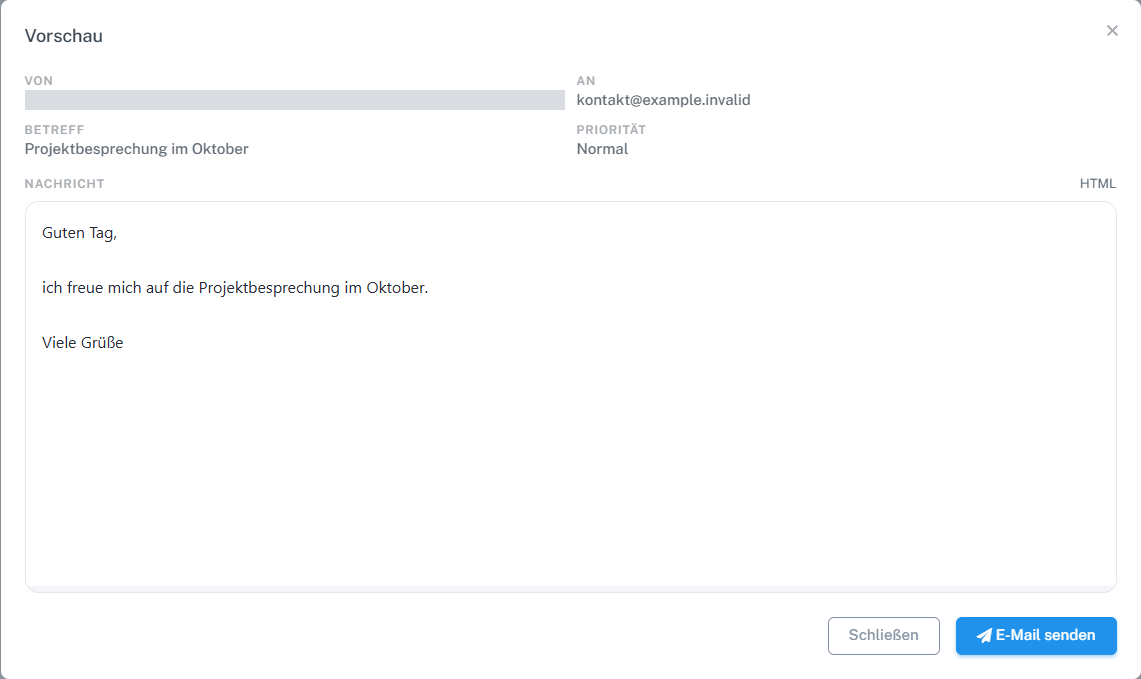
Check the recipient, subject, priority, and message text in the preview. The sender details are hidden in the image. -
Select “Close” to return to the draft and correct details if needed.
What you will see afterwards
A preview of the current draft is displayed; this alone does not send anything.
Common problems
- The preview does not replace checking the actual recipient address.
- If attachments are missing, close the preview and add them in the form.
Go to the relevant section of the “Getting started with Skymail” guide