
PDF tools
Rotate all PDF pages
Rotate all pages in a PDF file together by 90, 180 or 270 degrees.
Requirement: Publicly accessible without signing in at /en/pdf-tools and the respective tool page
Open the relevant PDF tool
Step by step
-
On the skymail.de home page, scroll to the footer. Under “Support”, click “PDF Tools” (see screenshot). In the PDF overview, select “Rotate pages”.
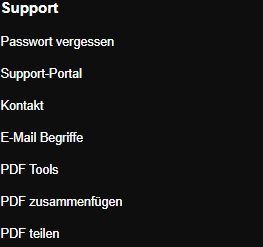
Scroll to the bottom of the SkyMail home page and click “PDF Tools” under “Support” in the footer. -
Select a valid PDF file up to 20 MB.
-
In “Rotation”, select 90° clockwise, 180° or 270° counterclockwise.
-
Click “Rotate”, download the result file and check the orientation of every page.
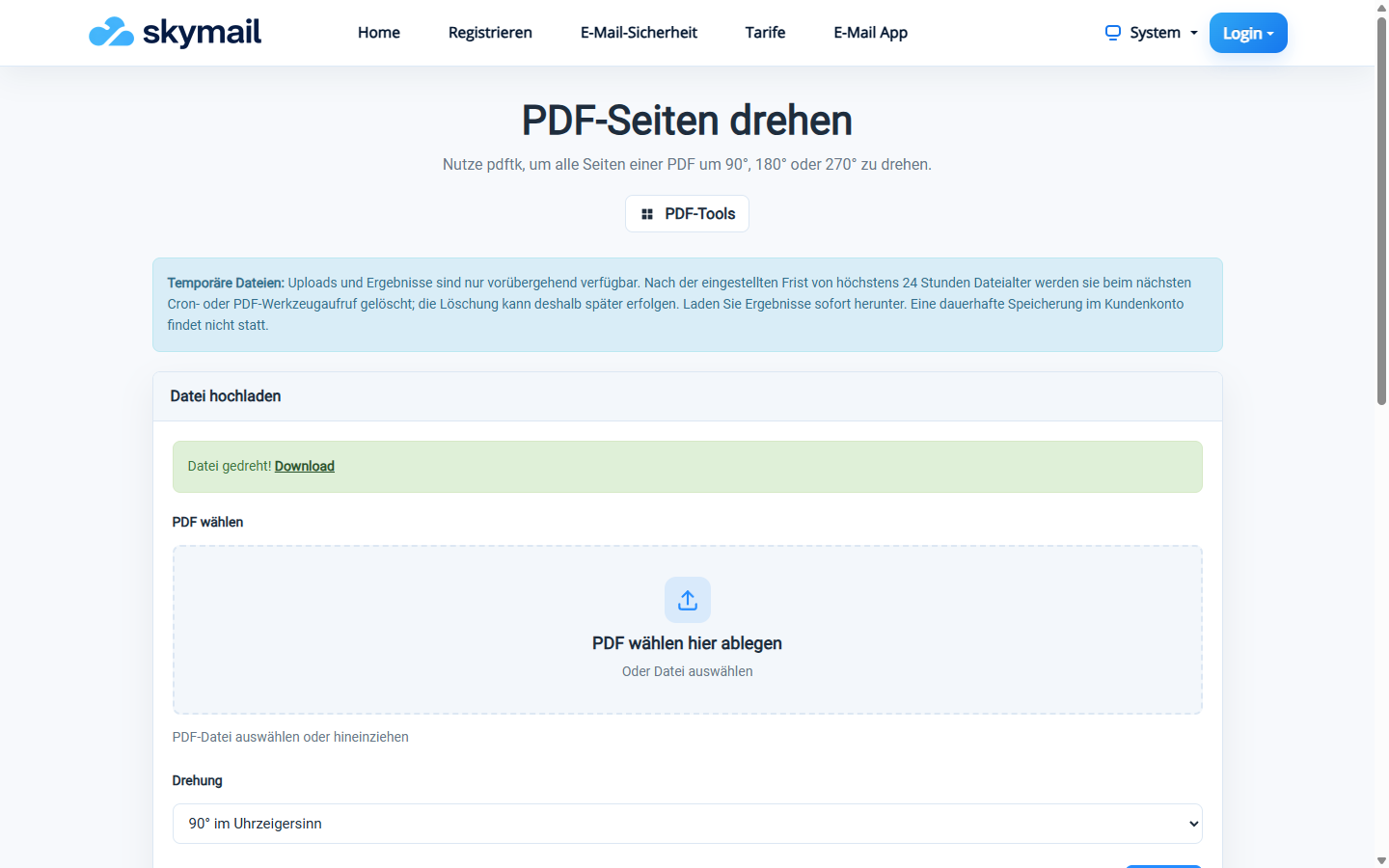
The rotated PDF is available to download.
What you will see afterwards
The tool rotates all pages of the selected PDF together. This form has no setting for changing only individual pages.
Common problems
- An error appears if no PDF is selected or the file is larger than 20 MB.
- No usable result is provided if the pages cannot be processed.
- If only certain pages need changing, process them separately.