
Security and encryption
Configure phishing and link security checks
Find and configure your own link security check switch in the Security center.
Requirement: After signing in, go to Settings → Security center.
Check a suspicious email
Received a message you are unsure about? The free SkyMail check lets you check the subject, content, and links for phishing.
Step by step
-
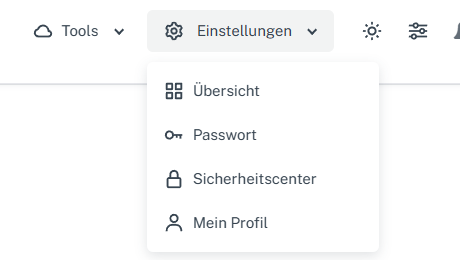
Click “Settings” at the top and select “Security center” in the menu. Click “Settings” in the webmail header, then “Security center” in the menu. On a narrow screen, first open “Menu”, then “Settings” → “Security center”. Find the “Security” card.
-
Check the first switch, “Use phishing / link security checks”. Its current position may differ from the image.
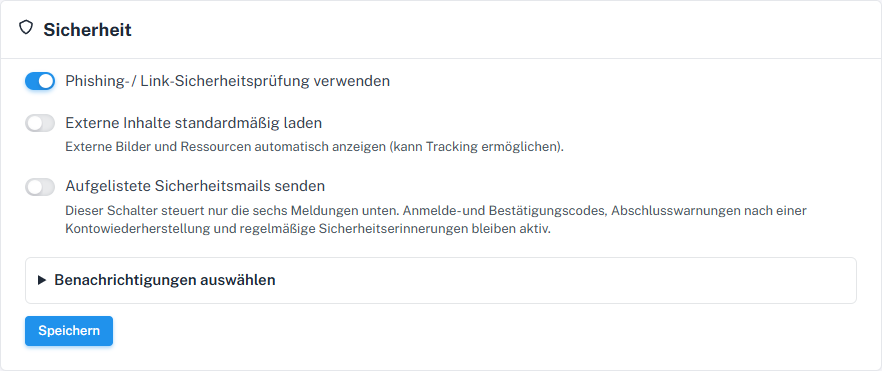
Link protection has its own switch in the Security card. -
Set this switch as desired. Before saving, check the other two main switches and the six notification options because they belong to the same form.
-
Select “Save” and reload the Security center. Check whether the switch retained your chosen position.
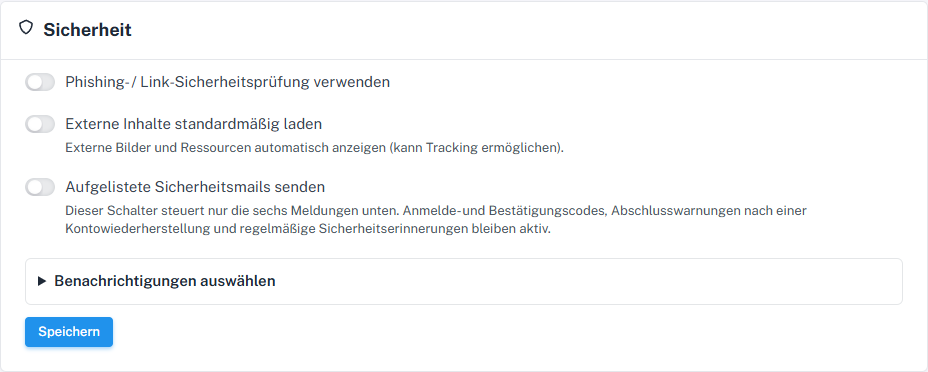
The switch shows whether phishing and link security checks are enabled.
What you will see afterwards
After saving, the Security center shows your chosen switch position when reopened. This does not yet establish whether a particular email or link will trigger a warning.
Common problems
- Link checking is an additional check. Continue to check the sender and destination address yourself.
- All three main switches and the notifications are submitted through the same “Save” button.
Go to the relevant section of the “Getting started with Skymail” guide