
Security and encryption
Enable or disable the listed security emails
Use the main switch for six selectable security notifications and understand its scope.
Requirement: After signing in, go to Settings → Security center.
Step by step
-
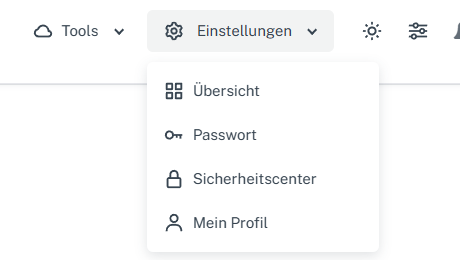
Click “Settings” at the top and select “Security center” in the menu. Click “Settings” in the webmail header, then “Security center” in the menu. On a narrow screen, first open “Menu”, then “Settings” → “Security center”. Go to the “Security” card.
-
Find “Send listed security emails”. This main switch controls only the six events under “Select notifications”. Check its current position in your account.
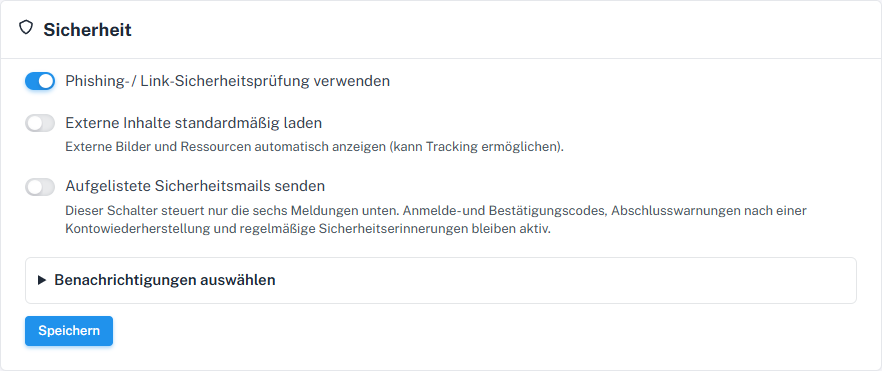
The main switch for selectable security emails is disabled here. -
Open “Select notifications” and check the six individual events. To receive the selectable messages, enable the main switch and select the events you want.
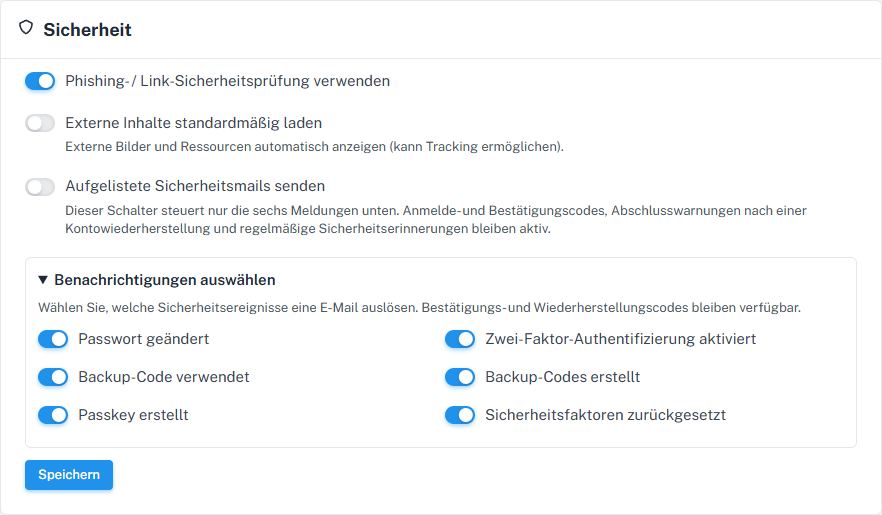
The six events can be selected individually; the main switch remains a requirement. -
Check the other two main switches in the same form, select “Save”, and check the display after reopening.
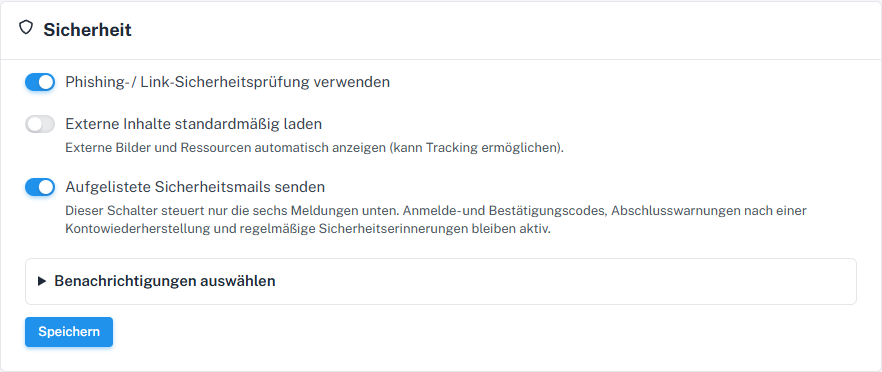
The enabled main switch is required for the six selectable notifications.
What you will see afterwards
After saving and reopening, you can see the selected positions of the main switch and events. According to the notice in the Security center, sign-in and confirmation codes, completion alerts after account recovery, and regular security reminders remain unaffected. The setting alone does not confirm email delivery.
Common problems
- A disabled main switch overrides the six selected events; their checkmarks alone do not prove that an email was sent.
- The switch does not disable all security messages or any sign-in or recovery codes.
Go to the relevant section of the “Getting started with Skymail” guide