
PDF tools
Merge PDFs
Combine several PDF files into a single document.
Requirement: Publicly accessible without signing in at /en/pdf-tools and the respective tool page
Open the relevant PDF tool
Step by step
-
On the skymail.de home page, scroll to the footer. Under “Support”, click “PDF Tools” (see screenshot). In the PDF overview, then select “Combine PDFs” or “Merge PDFs”.
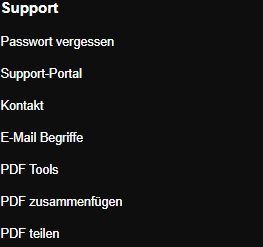
Scroll to the bottom of the SkyMail home page and click “PDF Tools” under “Support” in the footer. -
Under “Upload files”, select at least two and no more than ten PDF files. Each file may be no larger than 2 MB. After selection, the page shows the number of files.
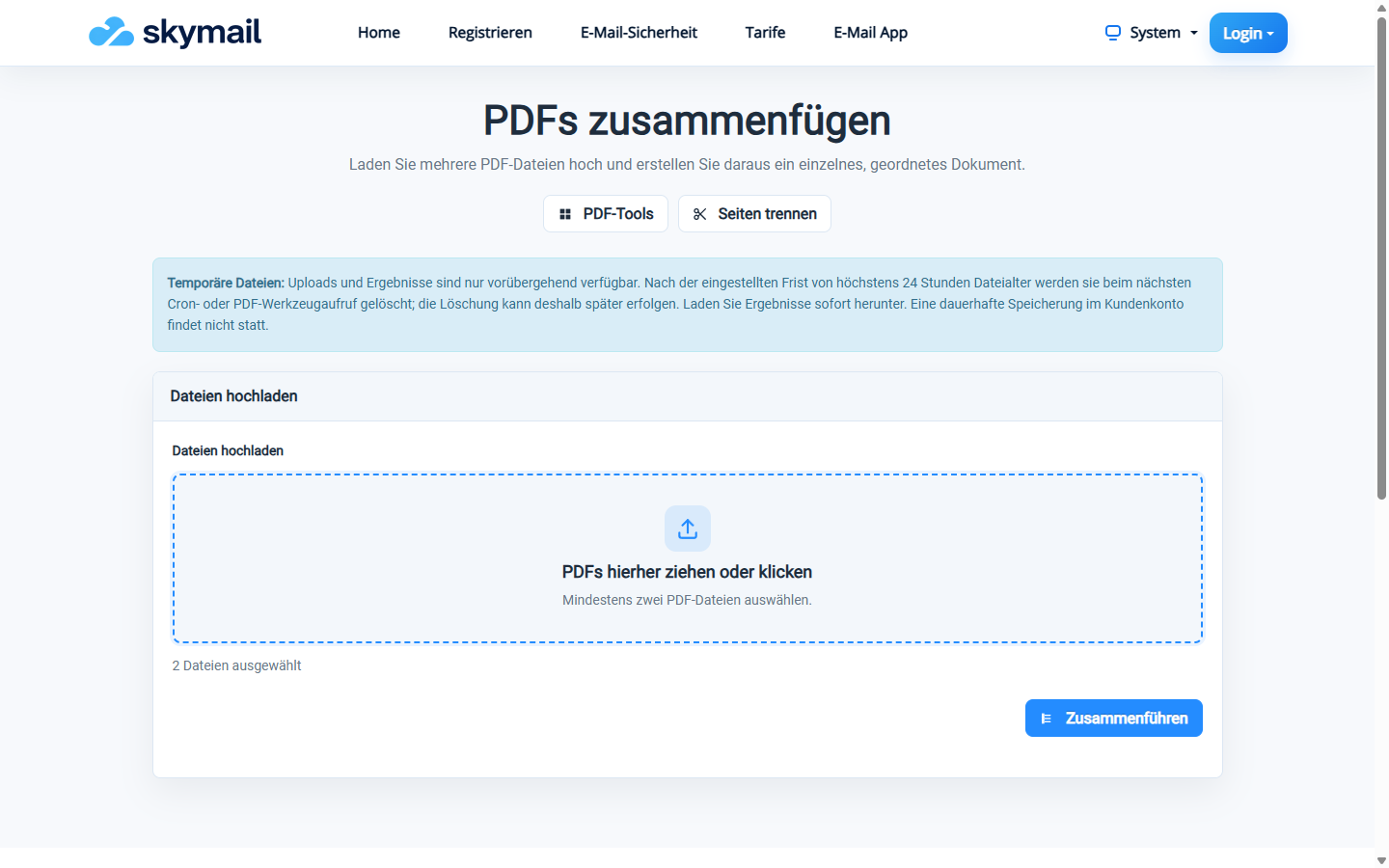
After choosing the files, start processing with “Merge”. -
Check that you want to process the selected files in the intended order, then select “Merge”.
-
After “PDF created”, select “Download finished PDF”. Check the page count and order in the downloaded file.
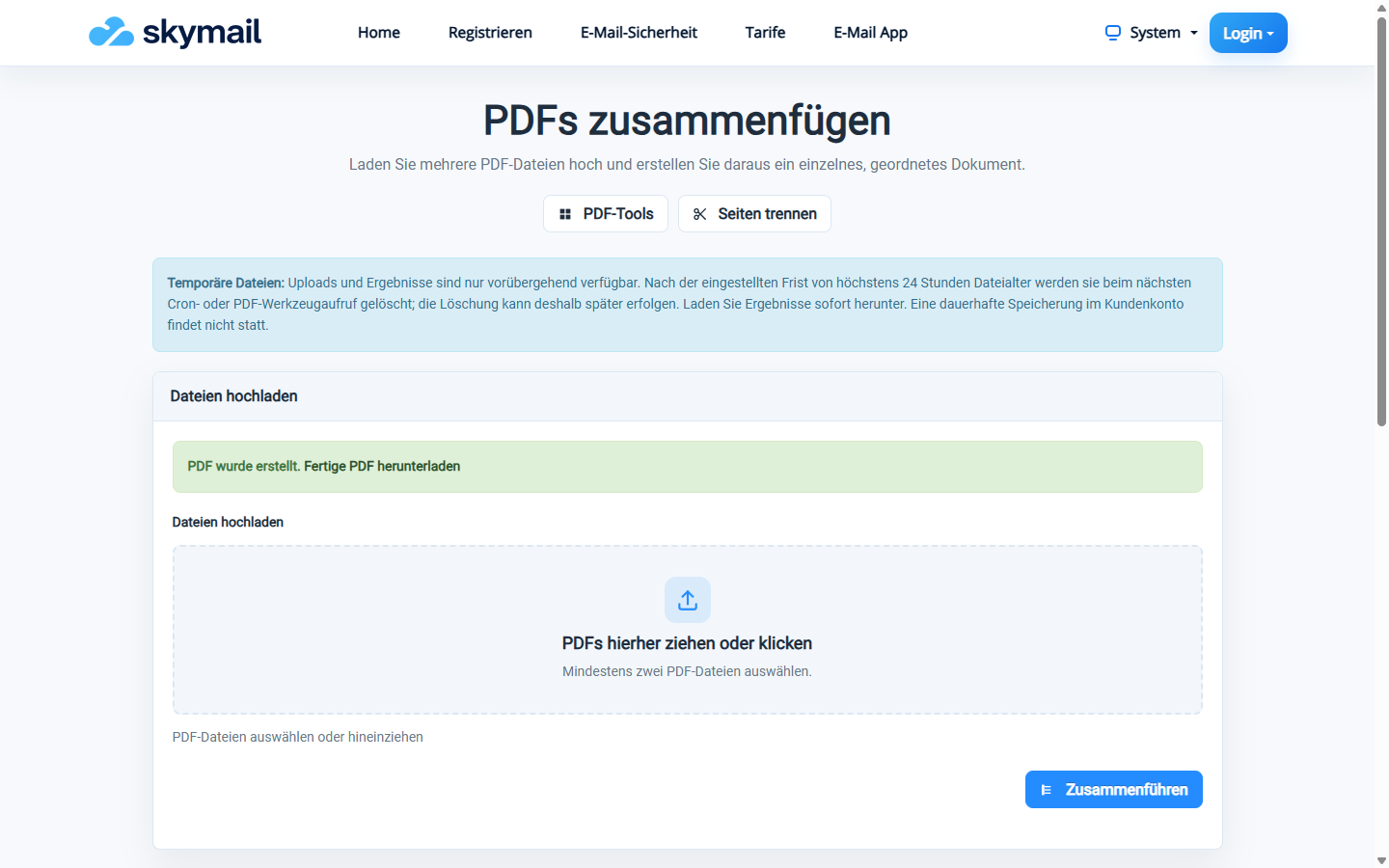
The tool confirms creation and offers the finished PDF to download.
What you will see afterwards
The tool creates one result file from the selected PDFs. Processing follows the order of the uploaded files; the page does not provide a separate sorting control.
Common problems
- An error appears if there are fewer than two valid PDFs or more than ten files.
- A file larger than 2 MB or without valid PDF content is rejected.
- If the files cannot be merged, check that both PDFs are readable and unprotected, then try again.