
Read and write emails
Open a quick reply in the editor
Transfer a reply you have started into the full compose window.
Requirement: A signed-in account with a suitable open message.
Step by step
-
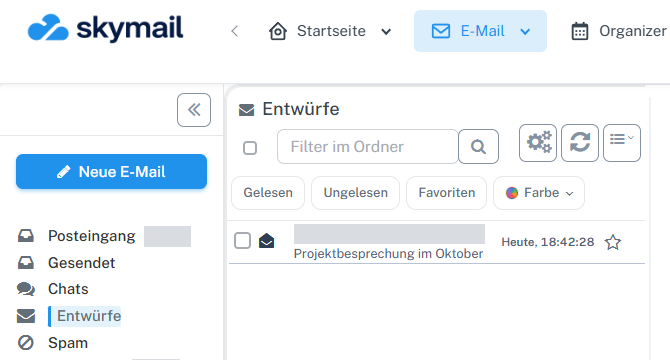
Click “Email” at the top and “Inbox” or the desired folder on the left. Click “Email” in the webmail header and “Inbox” or the folder containing the message on the left. Select it in the list and open the preview or reading view. Below the message text, start the reply in “Write a quick reply”.
-
Select “Open in editor” above the text field.
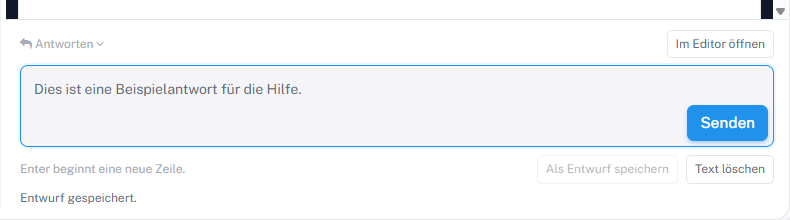
Use “Open in editor” to switch to the full compose window. -
In the full compose window, check the recipients, subject, and transferred message text.
-
Add to the reply if needed. To send later, select “Save & return” to keep the draft.
What you will see afterwards
The reply text you started is in the full editor. You can use further compose functions or save the reply as a draft there; switching does not send anything.
Common problems
- Check the recipient again in the editor before sending later.
- Switching may be restricted for protected original messages. Follow the displayed notice; for some accounts, you must compose the reply in the original mailbox.
Go to the relevant section of the “Getting started with Skymail” guide