
Room for a clear overview.
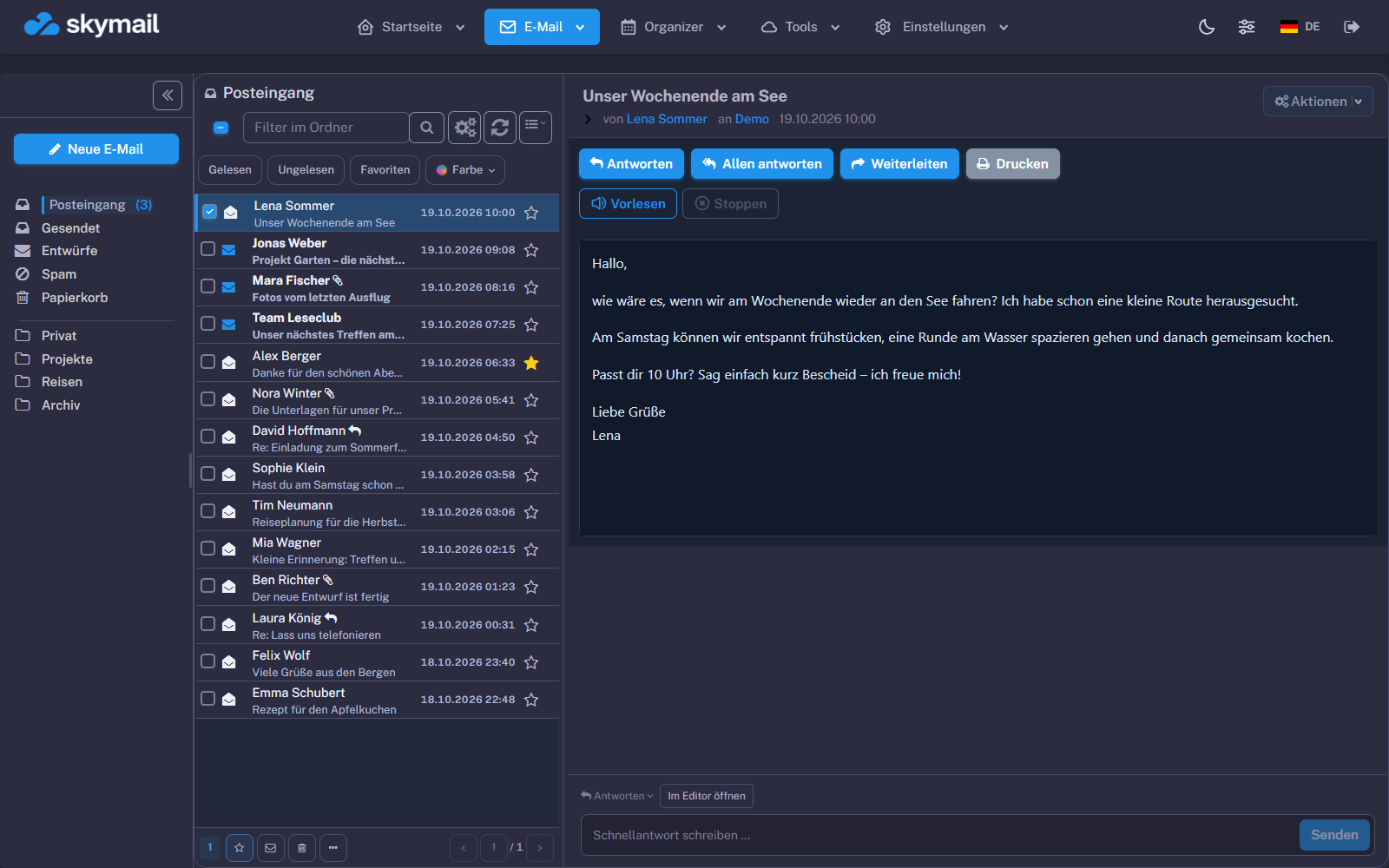
Sidebar open or closed, compact or wide, with a preview or a simple list. You decide how you work.
Flexible layoutsLayout help →MEET YOUR NEW WEBMAIL
At last, an inbox that adapts to you. Clear in everyday use. Powerful in the details. And as light, dark or colourful as you like.
 View full size
YOUR EMAIL INBOX IN YOUR BROWSER.
Read, write and organise your emails online with skymail Webmail. Open your inbox on a computer, tablet or smartphone without installing an email program. The message list, folders, search and message preview help you keep track, even when your inbox is full.
You decide how your inbox feels: a light theme, dark mode or your system setting. Choose your favourite accent colour, use a compact or wide layout, and collapse the sidebar when you need more space. Read messages with a preview or work with a simple list: the choice is yours.
Everything stays close at hand while you write: format text, insert pictures into emails, add attachments and use your personal signature. Calendar, contacts and Webdisk complement your webmail for the tasks around your messages.
More about colours, dark mode and appearance →FEWER DETOURS. MORE CLARITY.
From quick replies to a thorough tidy-up: your most important tools are already here.
Sidebar open or closed, compact or wide, with a preview or a simple list. You decide how you work.
Flexible layoutsLayout help →Format messages, insert pictures directly and resize them by dragging their corners. Add attachments and your personal signature.
Write with easeWriting help →Your own folders, quick search and filters keep your messages organised, even when there are a few more of them.
Search and organiseSearch help →Calendar, contacts and Webdisk stay close to your emails, bringing appointments, addresses and files together.
Everything connectedWEBMAIL SHORTCUTS
When you send lots of emails, every action counts. The right keyboard shortcuts make selecting messages, opening replies and searching quick and easy.
Browse verified shortcutsGOOD TO KNOW.
No. skymail Webmail runs directly in your browser. Sign in and get started on a computer, tablet or smartphone. On the go, you can also use the skymail app.
Yes. You can adjust the light theme, dark mode and system appearance in your inbox. Choose your own accent colour to match your favourite colour, and change the layout too. The images here show the actual interface with sample data. Your selection only changes the screenshot; it does not change any account settings.
Passkeys and two-factor authentication help secure your account. Set up your security methods in your account. Find out more under Email security.
YOUR NEXT EMAIL IS ALREADY WAITING.
Discover your new favourite inbox.
Start for free now The free plan is supported by advertising. Find more features in our plans.