
Security and encryption
Export your own public OpenPGP key
Download your own public key as an .asc file and share it for exchanging messages.
Requirement: After signing in with an active OpenPGP key of your own
Step by step
-
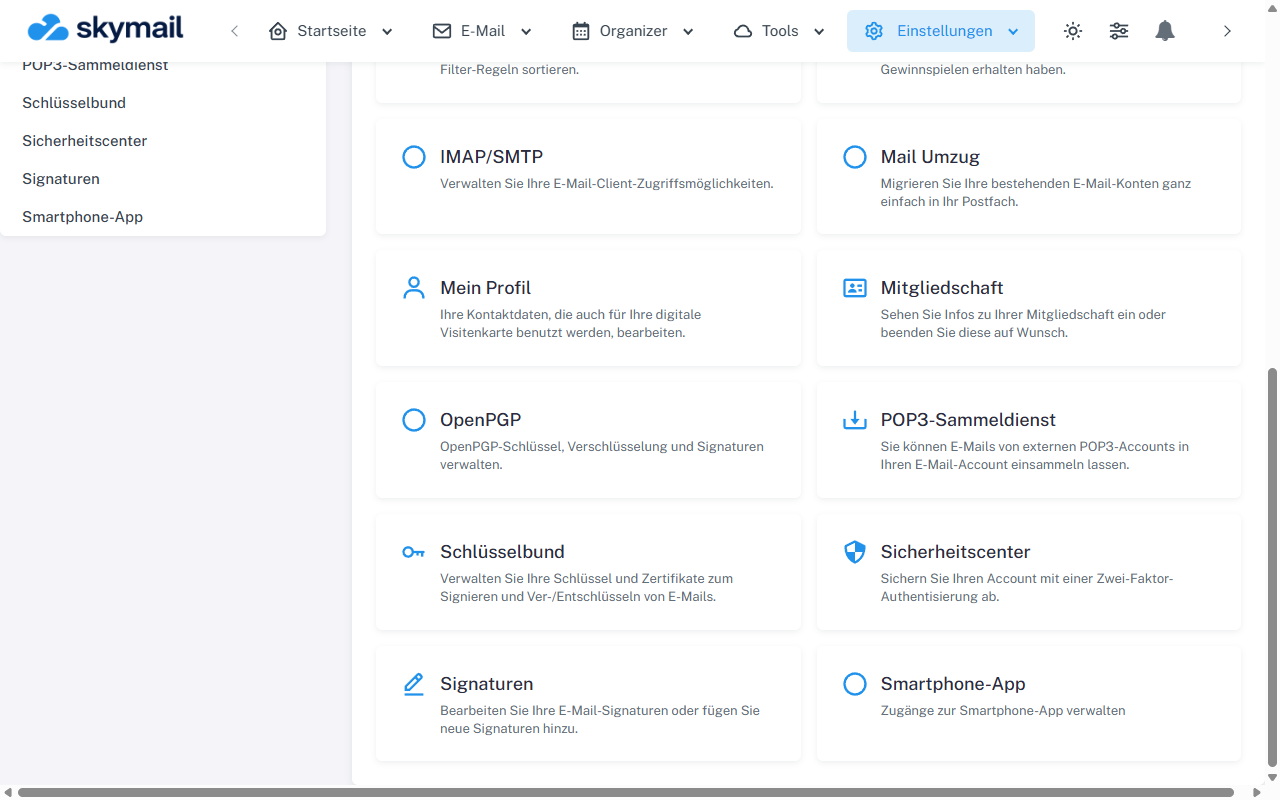
Open Settings at the top and select OpenPGP in the overview. Click “Settings” in the header, the “OpenPGP” tile in the overview, then “My key”.
-
Check the email address and fingerprint of the active key to make sure you are sharing the correct identity.
-
Select “Export public key”. The browser downloads the displayed public key as an .asc file.
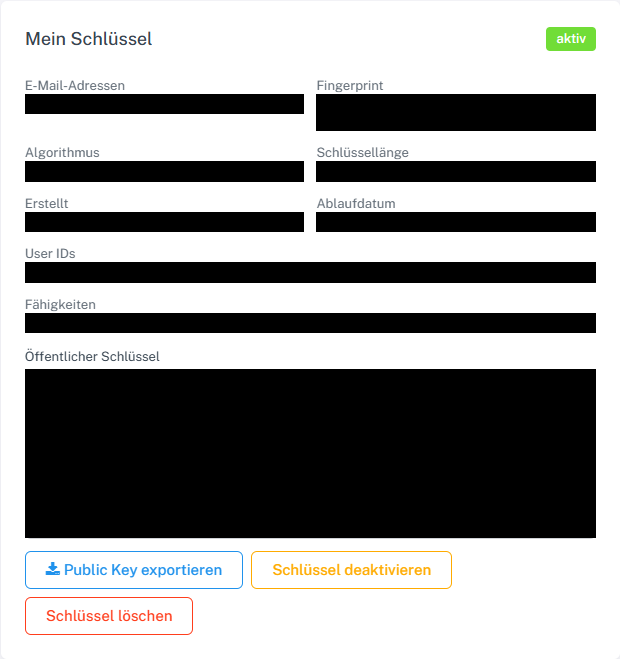
Export the public part of the active key as an ASC file. -
Send the file to people you communicate with and provide the fingerprint through an independent, trusted channel for comparison.
What you will see afterwards
The public key can be used for messages to you. The export does not contain the private key.
Common problems
- If no active key of your own is stored, the export button does not appear.
- Do not confuse the public export with backing up the private key after generation.
- If your contact cannot independently compare the fingerprint, the association between the key and the person is unconfirmed.
Go to the relevant section of the “Getting started with Skymail” guide