
Folders and search
Manage conditions for a smart folder
Edit the search conditions of a smart folder.
Requirement: A signed-in account with an existing smart folder.
Step by step
-
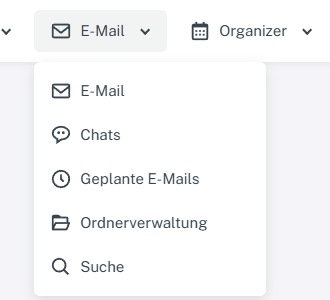
Click “Email” at the top; open “Chats” or “Folder management” in the menu. Click “Email” at the top and select “Folder management”. Click “Edit” in the row of your smart folder. The “Condition(s)” area appears only there.
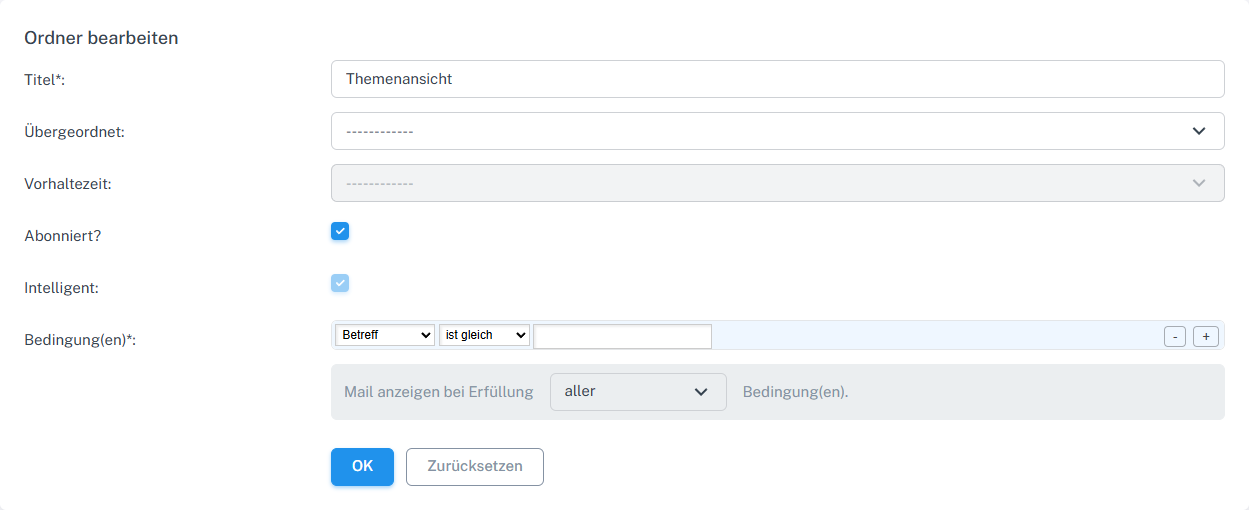
The Condition(s) area appears only for a smart folder. -
For example, select “Subject” and “contains”, then enter the search term.
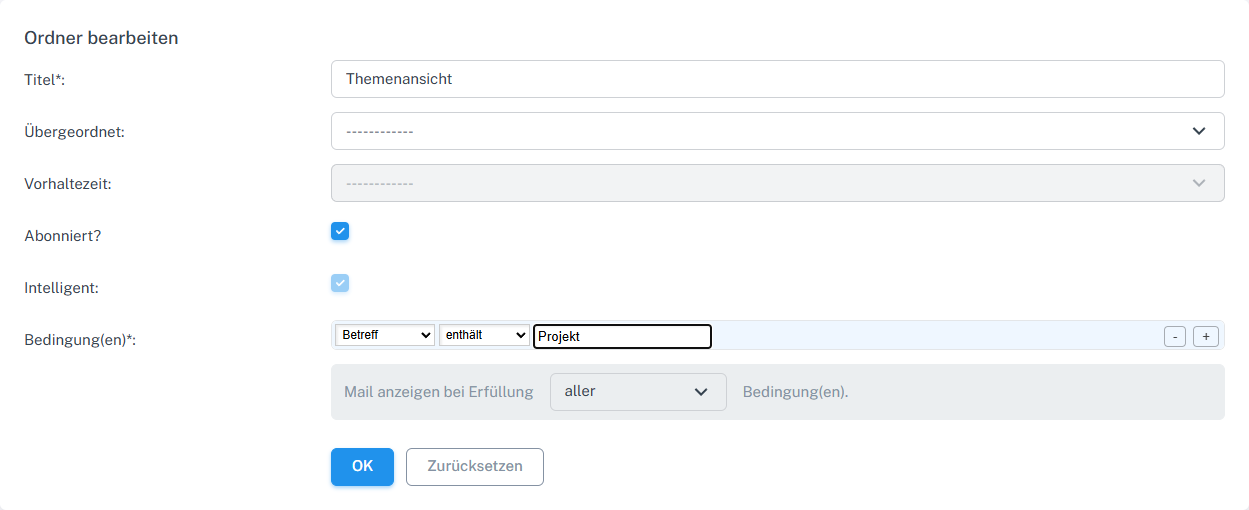
Select a field and a comparison, then enter the search term. -
Confirm with “OK” and reopen the folder. The comparison and value must have been retained.
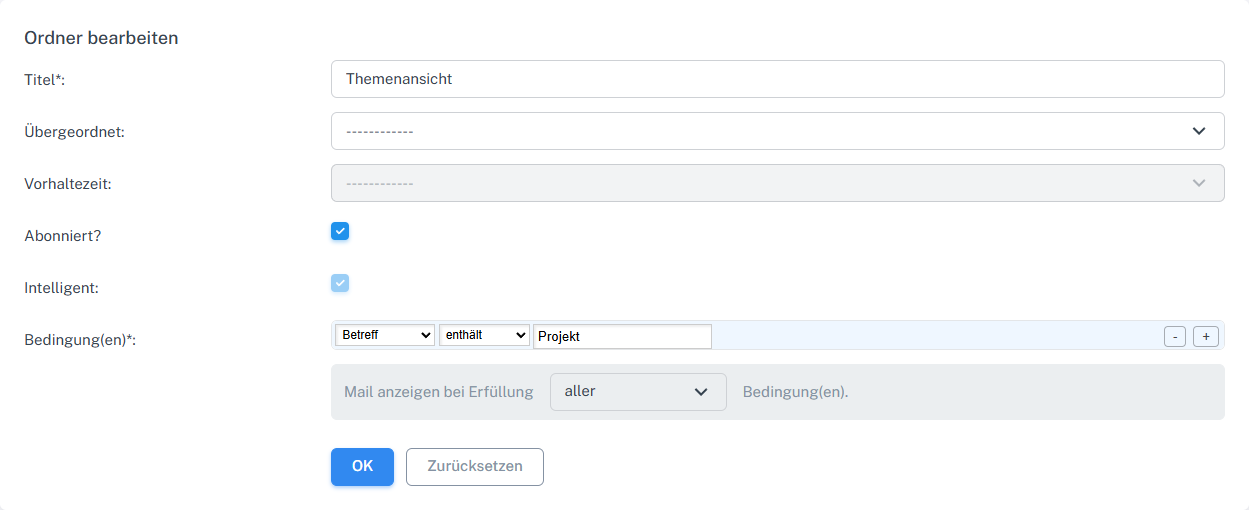
The comparison and search term are retained after saving. -
Use “+” to add a second condition and select “at least one”. Save and reopen to check both conditions.
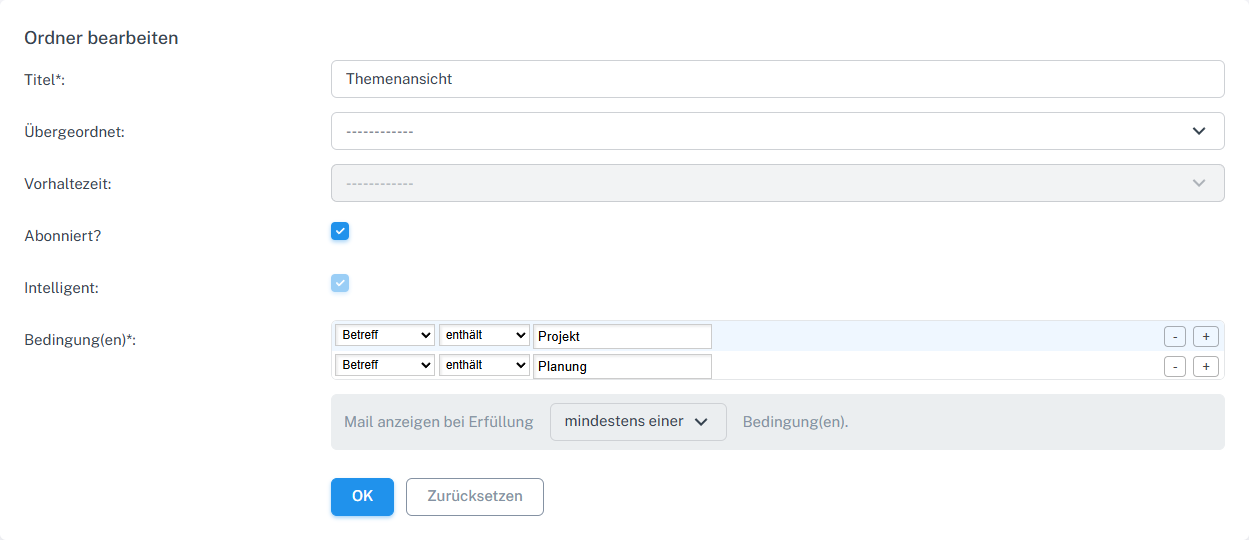
A second condition and at least one can be saved together. -
Use “−” to remove the additional condition again and save the change.
What you will see afterwards
The saved conditions and their combination appear in the edit form when you reopen it. Check the results using a message that should meet the condition.
Common problems
- The conditions view appears only for smart folders; it is absent for regular folders.
- Seeing saved conditions alone does not confirm that expected messages are found. Check the results in the smart folder.
Go to the relevant section of the “Getting started with Skymail” guide